

How to Choose and Use a Live Voice Translation App That Actually Works
Ever been stuck in that awkward silence? You’re in a new country, trying to ask for directions or order dinner, and the language barrier feels like a brick wall. You're left fumbling with phrasebooks or resorting to clumsy hand gestures, feeling frustrated and a bit isolated. This guide will show you how to choose a live voice translation app to tear down that wall, so you can communicate clearly and confidently, no matter where you are.
Our goal is simple: to give you actionable advice on what features to look for, how to get the best results from your app, and how to turn stressful travel moments into genuine human connections.
Why Live Voice Translation Is a Game Changer
Imagine landing in Rome and confidently ordering a caffè corretto, negotiating a taxi fare in Tokyo, or getting help in a bustling Marrakech market—all in the local language. This isn't science fiction anymore. A reliable live voice translation app on your phone makes this a reality, stripping away the anxiety of talking to someone who doesn't speak your language.
Instead of slowly typing phrases and waiting for a text reply, you just speak. The app listens, translates, and speaks the translation aloud almost instantly, allowing for a natural, flowing conversation. This speed and ease of use are what make modern apps so much better than the clunky methods of the past.
Who Needs This Technology?
If you've ever felt the frustration of a language barrier, this is for you. Here’s who benefits most:
- International Travelers: Navigate foreign cities, order food, and connect with locals beyond just pointing and smiling.
- Business Professionals: Run meetings with global partners and ensure everyone understands each other clearly and accurately.
- Expats and Newcomers: Handle everyday life—from grocery shopping to visiting a doctor—with much more confidence.
- Language Learners: Practice pronunciation and get a feel for real-time conversation without classroom pressure.
Ultimately, a good live voice translation app does more than just swap words. It helps you build genuine connections by removing the biggest obstacle to understanding. This guide will walk you through exactly how they work and what to look for.
How a Live Voice Translation App Really Works
Ever wondered what's happening inside your phone when you use a live voice translation app? It’s a lightning-fast relay race where your words are passed seamlessly between three AI technologies. Understanding this process will help you appreciate what makes a great app stand out.
This complex dance of technology allows you to have a flowing conversation with someone, even when you don't share a language. It all comes down to three core steps happening in the blink of an eye.
Step 1: Automatic Speech Recognition (ASR)
The journey starts with Automatic Speech Recognition (ASR), the app's "ears." The moment you speak, ASR technology listens to the sound waves of your voice and converts them into digital text.
When you say, “I would like a large black coffee,” the ASR analyzes the unique sounds of your speech. It has to be smart enough to filter out background noise and understand your accent to get the transcription right. This text is the crucial first handoff.
Step 2: Neural Machine Translation (NMT)
Once your voice becomes text, it's passed to the "brain" of the operation: Neural Machine Translation (NMT). This is where the real translation happens. Modern NMT models are sophisticated; they analyze the entire sentence to understand context, grammar, and what you actually mean.
NMT works by processing sentences as a whole, which allows it to capture nuances, idioms, and cultural context far more accurately than previous technologies. This results in translations that sound natural and human, not robotic.
For example, an NMT system knows that "I'm feeling blue" isn't about color—it's about sadness. It translates the intent, not just the literal words. If you want to dive deeper, you can learn more about how machine translation works and why it's so powerful.
Step 3: Text-to-Speech Synthesis (TTS)
With the translated text ready, the final step is handled by Text-to-Speech (TTS) synthesis, the app’s "mouth." After the NMT engine turns your request into the target language, TTS converts that written text back into spoken words.
Modern TTS systems are designed to sound human, using the right intonation and rhythm. This makes the conversation feel much more personal for the person you’re talking to.
The graphic below shows how this process bridges the gap from anxiety to genuine connection.
This simple flow visualizes how an app transforms a moment of stress into one of clear communication.
All three steps—ASR, NMT, and TTS—must happen almost instantly. This delay is called latency. For a conversation to feel natural, latency has to be incredibly low. The best apps nail this timing, making it feel like you have a personal interpreter in your pocket.
5 Must-Have Features in a Top-Tier Translation App
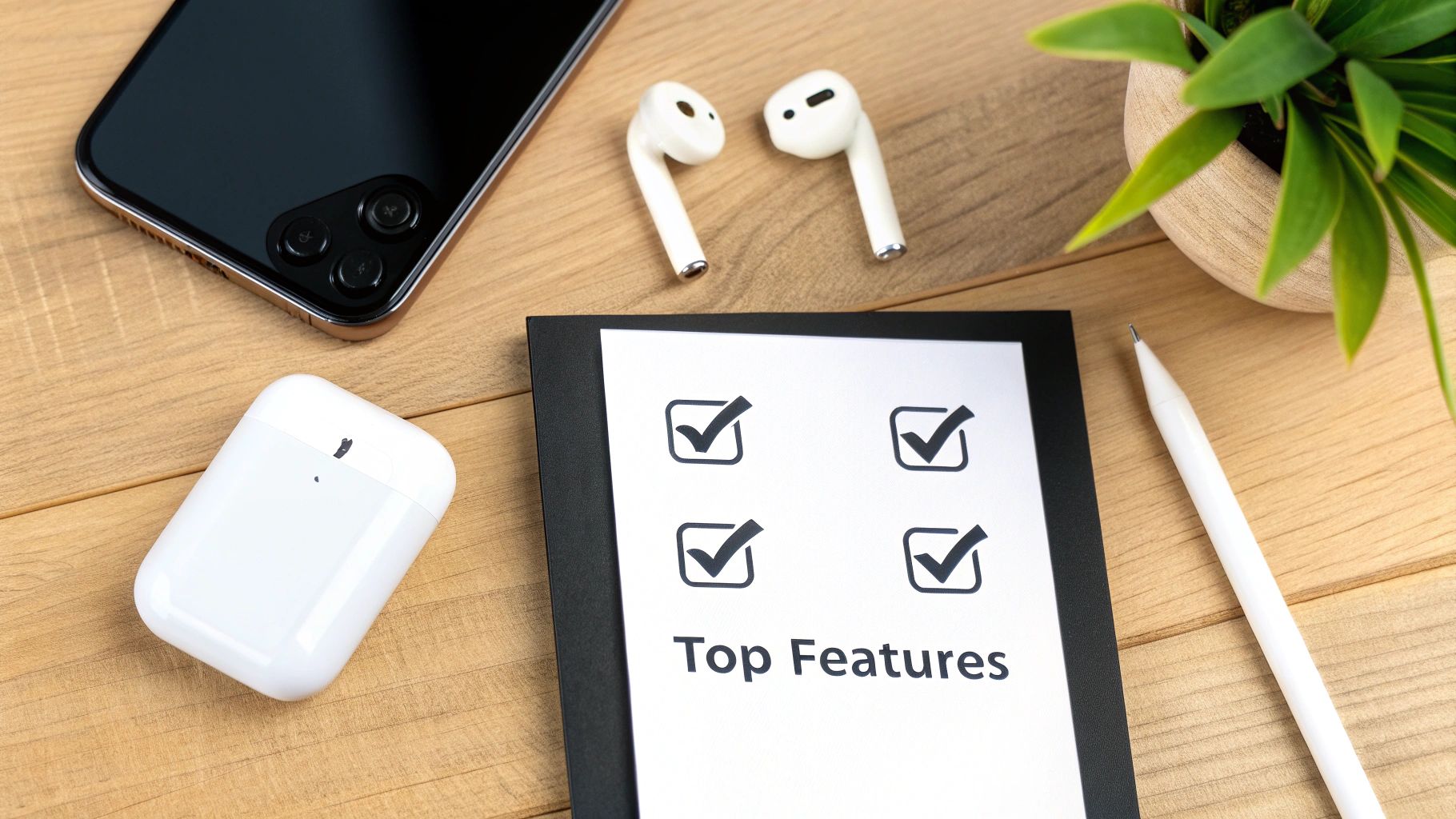
With so many live voice translation apps out there, how do you pick one that won't let you down in a busy airport or a critical meeting?
To find a reliable communication partner, you need to look past the marketing noise and focus on the features that actually matter in the real world. Here is your checklist for the non-negotiables.
1. Seamless Two-Way Translation
The most fundamental feature is true two-way translation. This allows two people to speak their own languages and have a natural, back-and-forth conversation without constantly fumbling with buttons.
A top-tier app should intelligently detect who's speaking and translate for them automatically. This creates a fluid dialogue where you can focus on the person, not the tech.
2. Extensive Language Support
An app is only as good as the languages it speaks. Before downloading, check its language library. Does it cover the specific dialects and regions you plan to visit?
Look for an app with a wide range of languages, but also check the quality of support. Some apps boast 80+ languages, but accuracy can vary. Prioritize apps with strong models for the languages you'll use most.
3. Offline Mode for Ultimate Reliability
What happens when you’re exploring a remote village or deep in a subway with no signal? An internet connection isn't a given, which is why offline mode is essential. This feature lets you download language packs directly to your device.
This means your translator works anywhere, anytime, without chewing through expensive data. This single feature gives you peace of mind. The need for dependable offline tools is a huge driver in the language translation device market, projected to hit $4.02 billion by 2034. You can read the full report on translation device trends for more data.
4. Compatibility with Your Earbuds
For private conversations or to cut through the noise of a bustling street, using your own earbuds is a game-changer. The best apps are compatible with the Bluetooth earbuds you already own, like AirPods.
Imagine hearing the translation whispered directly into your ear while the other person hears it from your phone's speaker. This makes conversations clearer and more discreet. Avoid apps that lock you into buying special hardware.
Your personal earbuds should be your first choice. Compatibility with existing hardware makes an app more accessible and convenient.
5. Privacy and Security Protocols
When you use a translation app, you're often sharing sensitive information. That makes strong privacy and security a must-have.
Look for apps with a clear data policy. Do they encrypt your conversations? Do they store your voice data? A trustworthy app will prioritize protecting your privacy, giving you the confidence to speak freely.
Your Go-To Recommendation: Translate AI
For an app that ticks all these boxes, consider Translate AI. It offers seamless two-way conversations, supports a wide range of languages, provides an offline mode for reliability, works with your existing earbuds, and maintains strong privacy standards. You can download Translate AI to experience these features firsthand.
Putting Your Translation App to Work: Real-Life Scenarios

A powerful live voice translation app proves its worth when it moves from your pocket to an active part of your day, turning stressful interactions into moments of connection. Here’s how you can use it.
For the Avid Traveler
Imagine wandering through a street market in Bangkok. With a solid app, you can do more than just point. You can ask a vendor about an item's history, haggle respectfully, or get a local's tip for the best food.
This technology turns you from a passive observer into an active participant. Suddenly, you can:
- Order with confidence: Ask about ingredients or clarify dietary needs.
- Navigate like a local: Ask for directions, buy the right train tickets, or understand station announcements.
- Build genuine connections: Share a laugh with a shopkeeper or have a brief but meaningful chat.
These are the small interactions that make travel memorable.
For the Global Business Professional
In business, clarity is everything. A live voice translation app ensures nothing gets lost in translation during international meetings. It creates an inclusive environment where everyone can contribute freely.
Picture a virtual call with partners in Germany and Japan. An app can provide real-time audio translation, letting the conversation flow naturally. This helps teams collaborate seamlessly and make decisions faster. For a closer look, check our guide on how to translate conversations in real time.
The market for this tech is booming, projected to reach USD 1.25 billion by 2031. This growth is driven by professional needs in sectors like healthcare. You can discover more insights on speech-to-speech translation trends to see the data behind this expansion.
For Daily Life as an Expat
For anyone living abroad, a translation app is an indispensable tool for daily tasks. It simplifies things that can feel overwhelming, like setting up a bank account, scheduling a doctor's appointment, or chatting with your child's teacher.
It’s about more than convenience; it offers independence and smooths out the friction of living in a new culture.
The ultimate goal of a live translation app isn't just to swap words. It's about empowering you to fully engage with the world, fostering understanding one conversation at a time.
4 Practical Tips for Crystal-Clear Translations
Even the best live voice translation app needs clean audio to work its magic. Think of it like talking to a person in a loud café—if you mumble, they'll struggle to understand. The AI is no different. Follow these simple, actionable tips to dramatically improve your translation quality.
1. Speak Clearly and Calmly
First, speak at a clear, moderate pace. Rushing your words can cause the app's speech recognition to miss key sounds, leading to jumbled translations. You don't need to talk unnaturally slow, just aim for a calm, conversational rhythm and enunciate your words.
2. Keep Your Sentences Simple
Long, rambling sentences are tough for AI to follow. They contain tricky grammar that can trip up the translation engine. The fix is simple: break your thoughts into shorter, direct sentences.
Instead of this: "I was wondering if you could possibly point me in the direction of the nearest train station, because I think I might be a little bit lost and I'm trying to get back to my hotel before it gets too late."
Try this: "Can you help me? I am looking for the nearest train station. I need to get to my hotel."
Each short sentence gives the app one clean idea to translate, dramatically reducing the chance of errors.
3. Avoid Slang and Idioms
Every language is full of colorful slang and idioms, but they are a nightmare for translation software. Phrases like "it's raining cats and dogs" or "let's hit the road" have no direct literal meaning and will almost certainly be misinterpreted.
Stick to universal, straightforward language. The goal is clear communication, not showing off your command of local expressions. This prevents confusing or nonsensical translations.
4. Find a Quiet Environment
Background noise is the arch-nemesis of speech recognition. A busy street or a room with a blaring TV can make it nearly impossible for the app’s microphone to isolate your voice.
Whenever possible, have important conversations in a quieter spot. If you can't move, bring your phone's microphone closer to your mouth. Minimizing background clamor is one of the easiest ways to boost translation accuracy instantly.
Choosing Your Personal Interpreter App
When you're picking a live voice translation app, you're really looking for a tool that's accurate, easy to use, and won't let you down.
The right app is like having a personal interpreter in your pocket for any situation. To see how the top options stack up and find your perfect match, check out our guide on choosing the best real-time translator app.
The Future Is Here: Why Real-Time Translation Matters Now
If you’ve noticed real-time voice translation popping up everywhere, you’re not imagining it. The market for this technology is exploding, signaling a huge shift in how we connect globally. A live voice translation app is no longer just a gadget for tech enthusiasts; it’s a must-have tool for our interconnected world.
This is about breaking down language barriers that once felt permanent, whether closing an international business deal or just confidently ordering coffee on vacation. We're not just translating words; we're building bridges between cultures.
The numbers tell the story. The real-time translation market was valued at USD 3.8 billion in 2025 and is projected to more than double, hitting USD 9.2 billion by 2032. This growth is driven by multinational companies who see clear communication as essential to their bottom line. In one example, a Fortune 500 company reported a 25% jump in international sales after adopting voice translation tools.
If you're curious, you can dig into the market projections for real-time translation software to see how fast this space is growing.
Frequently Asked Questions
Diving into translation apps can bring up a few questions. Here are clear answers to the most common ones.
How accurate are these translation apps?
Modern apps using Neural Machine Translation (NMT) are surprisingly good, especially for common language pairs. They understand the context of a sentence, so translations sound natural. Of course, nothing's perfect. Heavy background noise or thick slang can cause issues, but for most everyday travel and business chats, a good app provides more than enough clarity.
Do I need to buy special hardware like translator earbuds?
Nope. The best apps are designed to work perfectly with the smartphone you already own. There's no need to buy expensive, single-purpose gadgets.
A huge plus is compatibility with standard Bluetooth earbuds. This means you can use your existing AirPods or other wireless earbuds for private, crystal-clear conversations.
This makes the whole experience practical and affordable.
Can I use an app without an internet connection?
Yes, and this is a game-changer for travelers. Many advanced apps offer an offline mode. This lets you download language packs to your phone before you leave home. Once they're on your device, you can get translations with zero Wi-Fi or cellular data, which is essential for remote areas or avoiding roaming charges.
Ready to break down language barriers with confidence? Translate AI offers accurate, real-time conversations in over 80 languages, works with the earbuds you already own, and is designed for seamless use in any situation. Experience the future of communication by downloading Translate AI from the App Store today.