

10 Actionable Virtual Meeting Etiquette Tips to Master Global Communication
Are you tired of virtual meetings that end in confusion? The awkward silences, the technical glitches, and the constant fear of being misunderstood across different languages can derail even the most important projects. In today's global, remote-first world, your success depends on connecting, collaborating, and building trust with colleagues you may never meet in person. If you're struggling to make your voice heard and ensure your message lands perfectly, you're not alone.
This guide is your clear, actionable checklist to fix that. We're skipping the vague advice and giving you specific virtual meeting etiquette tips designed for professionals in an international setting. Our goal is to equip you with the skills to appear professional, communicate clearly, and navigate cross-cultural conversations with total confidence, transforming every virtual call from a source of anxiety into an opportunity for success.
1. Master Your Pre-Meeting Tech Check: Beyond Just 'Is It On?'
Walking into a virtual meeting with untested technology is the digital equivalent of showing up late with your presentation in the wrong format. It signals unpreparedness and disrespects everyone's time. A proper pre-meeting tech check involves more than a last-second glance at your camera and microphone; it’s about proactively creating a seamless communication environment.
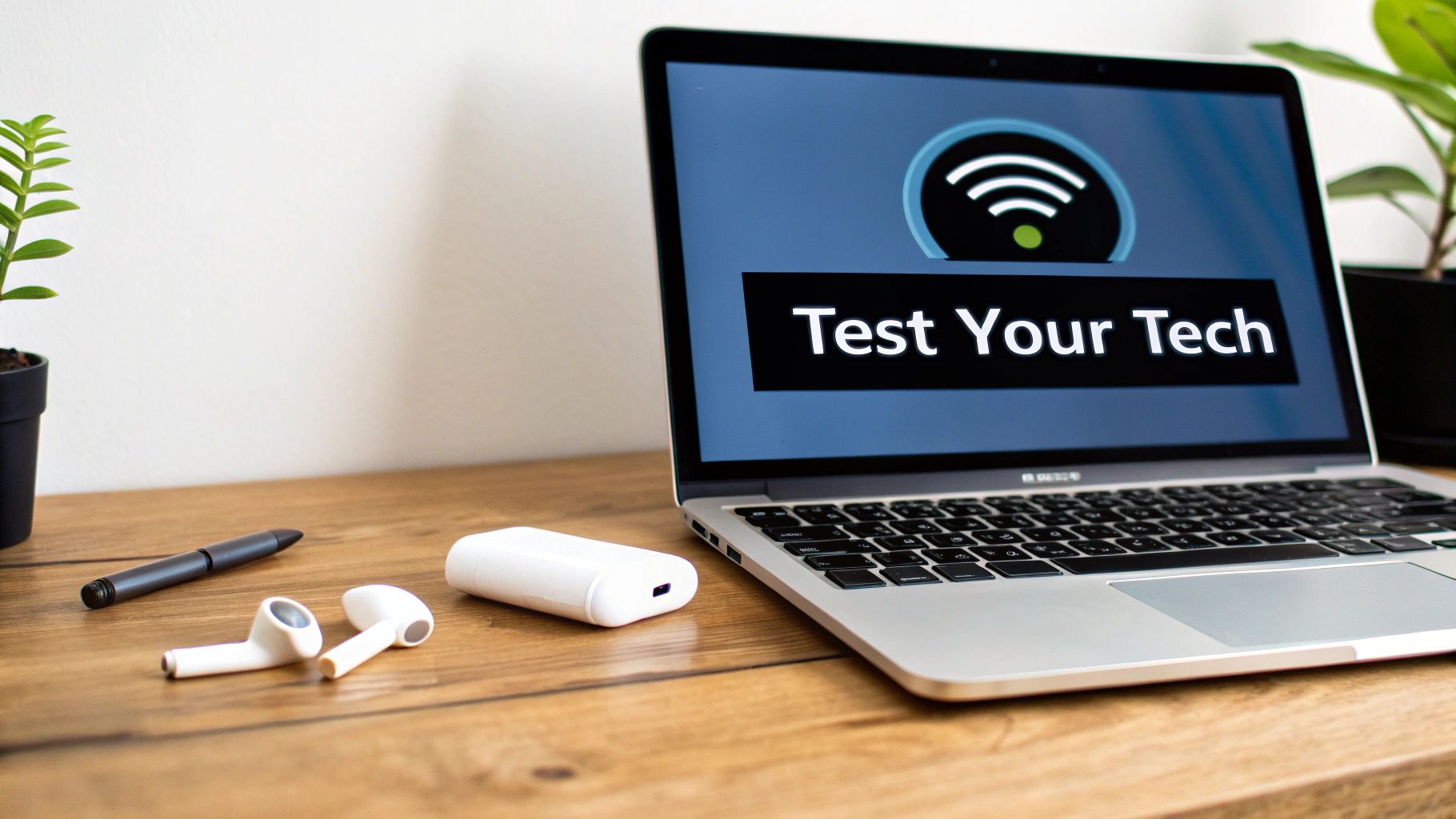
This pre-flight check is non-negotiable for professionals in multilingual settings, where clear audio and stable connections are paramount for accurate understanding. Investing just ten minutes before each call is a small price for maintaining professionalism and ensuring the meeting's success. This is a foundational virtual meeting etiquette tip that prevents the most common and disruptive issues.
Your Actionable Tech-Check Blueprint
Follow this detailed list 10-15 minutes before your meeting:
- Audio Integrity: Don't just check if your mic is on. Use your meeting platform’s audio test feature to listen to your own voice. Is it clear, or is there static or background noise? If using an external microphone, confirm it's selected as the primary input device.
- Video Framing and Lighting: Turn on your camera and check your framing. Ensure you are centered and that the camera is at eye level. Assess your lighting: are you well-lit from the front to avoid appearing as a silhouette?
- Application Updates: Has your meeting software (Zoom, Teams, etc.) released a new update? A quick check for updates can prevent a forced restart right as the meeting begins.
- Close Unnecessary Programs: Quit all non-essential applications and browser tabs. This frees up system resources and bandwidth, reducing the risk of your computer freezing or your connection lagging during the call.
2. Enable Clear Visual Communication with Proper Lighting and Background
Your visual presence on a video call speaks volumes before you even say a word. A poorly lit or distracting background can undermine your credibility and create a communication barrier. Proper lighting and a clean background are fundamental elements of virtual meeting etiquette that ensure you appear professional, engaged, and trustworthy.

A clear, well-framed video feed ensures that nuances in expression are not lost, supplementing translated audio and helping your international counterparts fully understand your message's context and tone. It's about building the human connection that technology facilitates.
Your Actionable Visual Blueprint
Follow these steps to ensure your visual setup enhances your professional image:
- Master Your Lighting: Position your primary light source in front of you, not behind you. Facing a window or using a simple desk lamp works wonders. This eliminates backlighting that turns you into a silhouette.
- Curate Your Background: Choose a simple, non-distracting background. A neutral wall, a tidy bookshelf, or a branded virtual background are excellent choices. Ensure your environment is clean and free of clutter.
- Perfect Your Framing: Position your camera at eye level to create a more natural, engaging connection. Sit so your face and upper shoulders fill about one-third of the screen.
- Minimize Distractions: Be mindful of reflective surfaces. Adjust your screen angle or lighting to avoid glare on your glasses. Also, ensure there is no distracting movement happening behind you during the call.
3. Speak Clearly and at a Moderate Pace for Accurate Translation
When using real-time translation tools, the quality of your output is directly tied to the quality of your input. Speaking too quickly, mumbling, or using excessive slang forces AI to guess, leading to errors that can derail a conversation. Pacing your speech and enunciating clearly isn't just polite; it's a technical requirement for ensuring accurate translation.
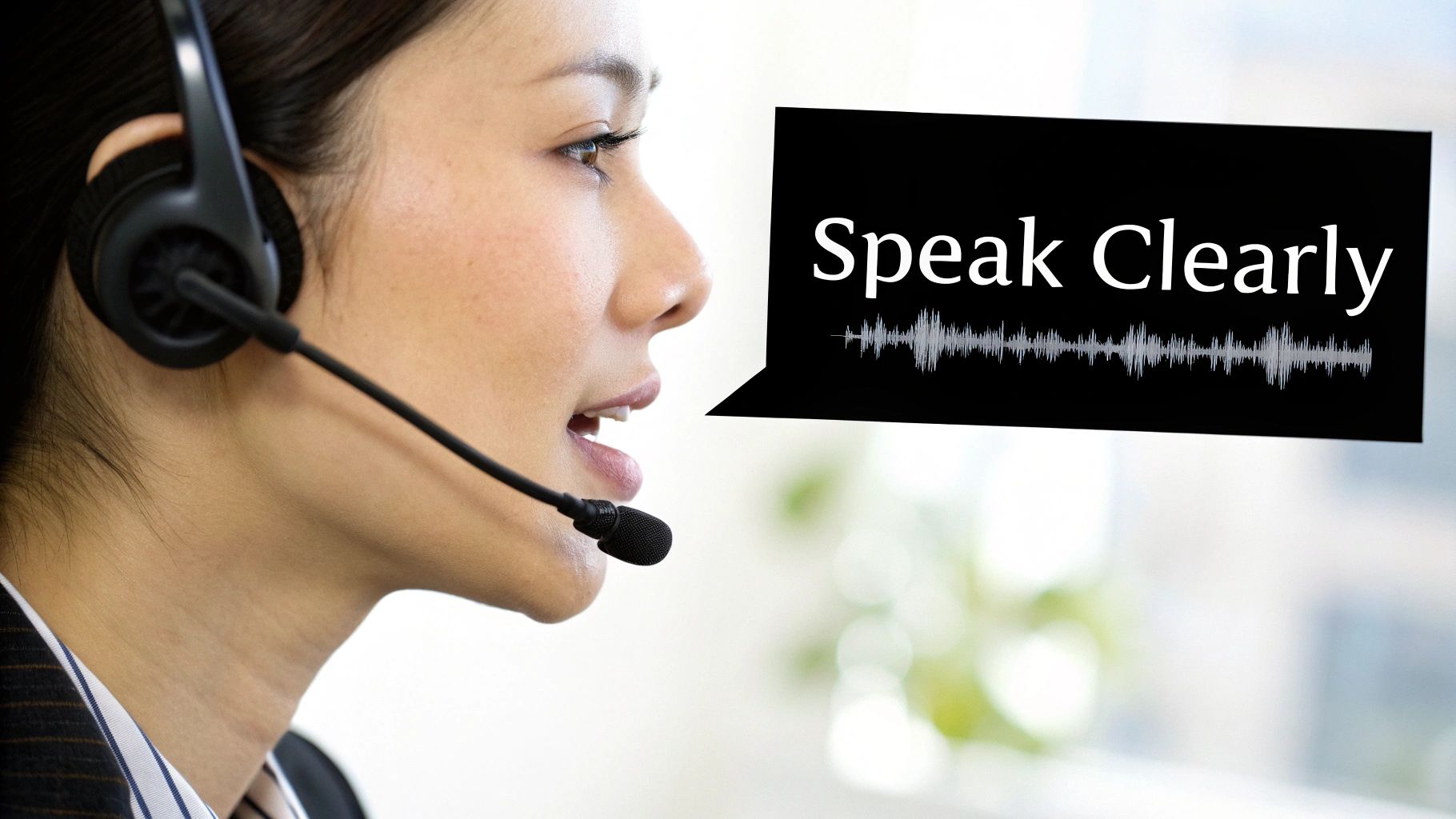
This deliberate approach is crucial in international negotiations, where a single mistranslated word can create significant confusion. Adopting this habit allows tools to function optimally, providing natural-sounding translations that facilitate seamless, real-time dialogue. You can learn more about how to translate conversation in real time effectively by focusing on clear input.
Your Actionable Blueprint for Clear Communication
To ensure your message is translated with precision, integrate these practices:
- Pace Yourself: Aim for a conversational speed of around 140-160 words per minute. Imagine you are speaking to someone who is learning your language; this naturally encourages a clearer pace.
- Embrace the Pause: Intentionally pause for a second or two after completing a thought. This gives translation AI a clean break to process the phrase, preventing jumbled or incomplete output.
- Enunciate Key Terms: When discussing technical terms or proper nouns, make a conscious effort to pronounce them distinctly. Rushing through these critical words is a common cause of translation failure.
- Record and Review: Use a voice recorder app to capture a few minutes of your speech. Listen back to identify areas where you might be speaking too fast or unclearly.
4. Respect Time Zones and Schedule Meetings Mindfully
Scheduling a virtual meeting without considering time zones is the professional equivalent of asking a colleague to come into the office at 3 AM. It’s inconsiderate and harms productivity. True virtual meeting etiquette begins with respecting that your colleagues operate in different corners of the world with their own work-life rhythms.
A participant forced into a late-night or early-morning call is unlikely to be engaged or collaborative. The success of a cross-cultural negotiation depends on all parties being alert. Demonstrating that you value their personal time as much as their professional input builds the trust necessary for strong international relationships.
Your Actionable Time Zone Blueprint
Use this approach when planning your next international meeting:
- Use a Time Zone Converter: Before proposing any times, use a tool like World Time Buddy or the scheduling features in Calendly to visualize the time overlap. This prevents errors from calculating time differences manually.
- Rotate the Inconvenience: If a "perfect" time for everyone is impossible, share the burden. Alternate meeting times so the same person isn't always stuck with the early morning or late night slot.
- Confirm in Local Times: When sending an invitation, state the meeting time in each key participant's local time zone (e.g., "9 AM EST / 2 PM GMT / 10 PM JST"). This removes ambiguity.
- Embrace Asynchronous Communication: Ask yourself if the topic requires a live meeting. Could a detailed email or a pre-recorded video update achieve the same goal without disrupting anyone’s day?
5. Minimize Background Noise and Ensure a Quiet Environment
A noisy background during a virtual call is distracting and unprofessional. It forces others to strain to hear you and directly impedes clear communication. When every participant’s time is valuable, creating a quiet, dedicated space is a fundamental sign of respect.

This rule is non-negotiable for anyone relying on real-time translation tools. Ambient sounds like a dog barking can be misinterpreted by AI, leading to significant mistranslations that could jeopardize a deal. A quiet environment is one of the most crucial virtual meeting etiquette tips for ensuring clarity.
Your Actionable Quiet-Space Checklist
Implement this checklist before you join a call:
- Communicate Your Needs: Inform household members or colleagues of your meeting schedule. A simple "I have an important call from 2 to 3 PM" can prevent most accidental interruptions.
- Silence All Devices: Put your smartphone, smartwatch, and any other nearby devices into "Do Not Disturb" mode.
- Secure Your Physical Space: Close windows to block street noise and shut the door to your room or office. This creates an essential barrier against unpredictable external sounds.
- Use a Headset: A quality headset with a built-in microphone will focus on your voice and filter out a significant amount of ambient noise.
Enhance Global Meetings with Translate AI
When clarity is paramount in multilingual meetings, a dedicated tool can make all the difference. Translate AI is designed for seamless, real-time voice translation, helping you overcome language barriers effortlessly. By ensuring a quiet environment, you provide the clear audio input the app needs to deliver highly accurate translations. You can download Translate AI directly from the App Store to elevate your global communication.
6. Give Full Attention and Avoid Multitasking
Attempting to multitask during a virtual meeting might feel productive, but it results in missing key details and appearing disengaged. When you divide your focus, you sacrifice comprehension and the ability to contribute meaningfully. This erosion of engagement is particularly damaging in cross-cultural communications where nuances are everything.
In multilingual settings, this virtual meeting etiquette tip becomes non-negotiable. Catching subtle inflections or slight ambiguities in translation requires your full cognitive bandwidth. Giving your undivided attention ensures you not only hear the words but understand the intent behind them.
Your Actionable Focus Blueprint
Implement these practices to maintain full engagement:
- Create a Digital "Cone of Silence": Before the meeting begins, close all unnecessary applications, browser tabs, and especially email and messaging programs.
- Physically Remove Distractions: Place your phone on silent and move it out of your immediate line of sight, such as in a drawer or another room.
- Engage Through Action: Take notes by hand. This physical act keeps your mind focused on the conversation. Also, make a conscious effort to look at your camera when speaking to simulate eye contact.
- Communicate Your Needs: If you must step away for a moment, send a brief, private message to the host. Transparency is far more professional than unexplained silence.
7. Be Respectful of Cultural Differences
Entering a virtual meeting with global participants without cultural awareness is like navigating an international city without a map. Respecting cultural differences is a cornerstone of virtual meeting etiquette, moving beyond simple politeness to a deeper understanding of varying communication norms and business practices.
This awareness is crucial in multilingual environments, where even the most accurate translation can't convey cultural subtext. A direct, task-focused approach that is standard in some cultures may seem abrupt in others. Acknowledging and adapting to these nuances shows respect and is fundamental for effective collaboration.
Your Actionable Cultural Awareness Blueprint
Integrate these practices into your meeting preparation:
- Pre-Meeting Research: Briefly research the business etiquette of the countries your participants are from. Pay attention to topics like greetings, punctuality expectations, and communication directness.
- Mind Your Language: Avoid using idioms, slang, or culturally specific references (e.g., sports metaphors) that may not translate well. Opt for clear, simple language.
- Observe and Adapt: Pay attention to how others communicate. Notice their level of formality, their pacing, and whether they wait for a clear pause before speaking. Adapt your style to mirror the group's dynamic.
- Ask Respectfully: If you are unsure about a cultural norm, it's better to ask a clarifying question than to make an assumption. Frame it as a desire to be more effective.
8. Use Appropriate Professional Attire
Your attire is a powerful non-verbal cue that communicates respect, professionalism, and seriousness. Dressing appropriately for the digital workplace is a fundamental virtual meeting etiquette tip that reinforces your credibility and sets a professional tone.
This visual signal becomes even more critical in cross-cultural environments. When engaging with international clients or colleagues, your appearance helps build trust and rapport before a single word is spoken or translated. Your presentation communicates a standard of excellence that transcends language barriers.
Your Actionable Guide to Virtual Attire
Follow these specific guidelines:
- Match the Context: Mirror the dress code of your organization or the meeting's participants. If meeting a corporate client, opt for business formal. For an internal team check-in, business casual is likely appropriate.
- Embrace Camera-Friendly Colors: Wear solid, neutral colors like blue, gray, or muted earth tones. Avoid busy patterns, bright whites, or deep blacks, which can cause camera flare.
- Mind Your Accessories: Steer clear of distracting jewelry that might jingle or reflect light into the camera.
- Groom for Visibility: Pay attention to grooming details that are visible on camera. A polished appearance shows you've made an effort and are fully present.
9. Use Active Listening and Confirm Understanding
Active listening in a virtual setting goes beyond simply hearing words; it's about fully concentrating on, comprehending, and responding to what is being communicated. In multilingual meetings, regularly pausing to summarize what you've heard and ask clarifying questions prevents costly misunderstandings before they take root.
This engagement is non-negotiable when using real-time translation tools. For instance, pause after a key point is translated and ask, "Just to confirm, you're saying the final deadline is October 15th, correct?" This simple act builds trust and demonstrates respect.
Your Blueprint for Active Confirmation
Integrate these active listening techniques into your meetings:
- Pause and Paraphrase: After a key point, restate it in your own words. Use phrases like, "So, if I'm understanding correctly, the main priority is..."
- Ask Open-Ended Questions: Instead of simple "yes/no" questions, ask questions that require a more detailed response to uncover potential misunderstandings.
- Confirm Critical Details Explicitly: Never assume understanding of numbers, dates, or financial figures. Always repeat them back for explicit confirmation.
- Summarize at Key Junctions: At the end of a topic or the entire meeting, provide a quick summary of key decisions and action items. This is key to improving your listening comprehension in any language.
10. Manage Interruptions and Follow Turn-Taking Norms
Interrupting in a virtual meeting is more than just rude; it's a technical bottleneck that can bring a multilingual conversation to a grinding halt. When speakers talk over one another, the audio becomes a chaotic mix that translation tools struggle to decipher. Professional turn-taking is one of the most crucial virtual meeting etiquette tips for global teams.
This disciplined approach is vital when using advanced tools where overlapping speech can confuse the AI. Establishing a clear protocol—one person speaks, the translation completes, and then the next person begins—transforms a potentially messy call into a smooth, productive global dialogue.
Your Actionable Blueprint for Turn-Taking
Implement these structured practices to create an orderly conversation:
- Embrace the 'Raise Hand' Feature: Make it a standard protocol to use your platform's "raise hand" function to signal your intent to speak. This creates a clear, visible queue.
- Master the Strategic Pause: Before jumping in, wait for a natural pause. When using translation AI, add an extra two-second pause after someone finishes speaking to allow the translation to process.
- Use Clear Verbal Cues: Use phrases like, "I'd like to add a point here," or, "May I ask a quick question?" to respectfully claim the floor.
- Appoint a Moderator: For larger meetings, designate a moderator to manage the speaking order and ensure everyone gets a chance to contribute.
10-Point Virtual Meeting Etiquette Comparison
| Item | Implementation Complexity (🔄) | Resource Requirements (⚡) | Expected Outcomes (⭐) | Ideal Use Cases (📊) | Key Advantages (💡) |
|---|---|---|---|---|---|
| Test Your Technology and Audio Setup Before the Meeting | 🔄 Low — quick pre-meeting checks (10–15 min) | ⚡ Low — earbuds/headset, stable internet, backup device | ⭐ High — fewer disruptions; accurate audio input for translation | 📊 Cross-border business calls; real-time translation sessions | 💡 Prevents technical failures; saves meeting time; ensures clear audio |
| Enable Clear Visual Communication with Proper Lighting and Background | 🔄 Medium — set up lighting/camera and background | ⚡ Medium — ring light, camera positioning, optional virtual background | ⭐ Medium‑High — improved trust and visible non-verbal cues | 📊 Client-facing video calls; presentations; interviews | 💡 Enhances credibility; aids non-verbal understanding |
| Speak Clearly and at a Moderate Pace for Accurate Translation | 🔄 Low — behavioral change requiring practice | ⚡ Low — time to rehearse; optional recording tools | ⭐ High — better ASR/translation accuracy; natural output | 📊 Negotiations, technical discussions, language practice | 💡 Reduces repetition; improves AI processing and clarity |
| Respect Time Zones and Schedule Meetings at Mutually Convenient Times | 🔄 Medium — coordination and calendar planning | ⚡ Low — calendar tools, time-zone converters | ⭐ Medium‑High — higher attendance and engagement | 📊 Global team meetings; client scheduling across regions | 💡 Increases participation; shows cultural consideration |
| Minimize Background Noise and Ensure Quiet Meeting Environments | 🔄 Low — choose quiet location and silence devices | ⚡ Low‑Medium — quiet room, noise-isolating earbuds, DND settings | ⭐ High — markedly better translation accuracy and focus | 📊 Negotiations, recordings, speaker-mode translation | 💡 Improves clarity; prevents miscommunication due to noise |
| Give Full Attention and Avoid Multitasking During Virtual Meetings | 🔄 Low — requires discipline and preparation | ⚡ Low — close apps, silence phone, prepare notes | ⭐ High — better comprehension and timely clarification | 📊 Critical meetings, decision sessions, learning contexts | 💡 Improves retention; signals respect; allows instant clarification |
| Be Respectful of Cultural Differences and Communication Styles | 🔄 Medium‑High — research and adaptive behavior | ⚡ Medium — time for cultural research or guidance | ⭐ High — fewer cultural missteps; stronger relationships | 📊 Cross-cultural negotiations; onboarding international partners | 💡 Prevents offense; improves trust and collaboration |
| Use Appropriate Professional Attire and Dress Code | 🔄 Low — select appropriate clothing for context | ⚡ Low — wardrobe choices; occasional purchase | ⭐ Medium — better first impressions and perceived credibility | 📊 First meetings, client-facing calls, formal presentations | 💡 Enhances professionalism; sets meeting tone |
| Use Active Listening and Confirm Understanding Regularly | 🔄 Medium — practice pausing, summarizing, clarifying | ⚡ Low — allocate time in agenda for confirmations | ⭐ High — prevents costly misunderstandings; ensures alignment | 📊 Decision-making meetings; technical agreements; translations | 💡 Ensures alignment; allows immediate correction of errors |
| Manage Meeting Interruptions Professionally and Follow Turn-Taking Norms | 🔄 Medium — establish protocols and moderation | ⚡ Low — use platform "raise hand", moderator, brief rules | ⭐ High — prevents overlap; maintains accurate translations | 📊 Large/multilingual meetings; facilitated sessions | 💡 Prevents audio overlap; ensures inclusive participation |
Putting It All Together: Your Blueprint for Global Communication Mastery
Navigating global virtual communication can feel complex, but it doesn't have to be. The ten essential virtual meeting etiquette tips we've explored are your strategic blueprint for fostering respect, clarity, and professionalism in every online interaction.
By proactively testing your technology, you project competence. By curating your lighting and background, you add a crucial layer of human connection. These foundational steps set the stage for more nuanced practices to shine.
From Technical Readiness to Human Connection
Mastering the mechanics is only half the equation. The true power lies in how we connect with others across distances, cultures, and languages. This is where a commitment to clear, moderately paced speech becomes invaluable, not just for human comprehension but for enabling assistive technologies to function at their peak.
This principle of thoughtful communication extends to every aspect of meeting etiquette:
- Respecting Time Zones: Acknowledging a colleague's local time is a powerful gesture of respect.
- Minimizing Distractions: Eliminating background noise and avoiding multitasking sends a clear message that you value the other participants' time.
- Cultural Awareness: Being mindful of diverse communication styles transforms potential misunderstandings into opportunities for building stronger relationships.
The Lasting Impact of Professional Etiquette
Ultimately, these virtual meeting etiquette tips are about building your professional reputation, strengthening team cohesion, and driving more productive outcomes. When you actively listen, confirm your understanding, and manage interruptions with grace, you cultivate an environment where every participant feels heard and respected.
Remember, the goal is not just to be present, but to be a powerful and positive presence. Each tip contributes to a cohesive, professional image. When you combine these thoughtful behaviors with powerful tools designed to bridge communication gaps, you unlock a new level of global competence, breaking down barriers one meeting at a time.
Ready to eliminate language barriers in your next global meeting? Put these virtual meeting etiquette tips into practice and amplify your efforts with Translate AI. Download the app today from the official website and experience seamless, real-time voice and text translation to ensure every message is understood with perfect clarity.