

10 Best English to Arabic Translator Tools in 2026
You're in a Cairo market. The seller smiles, says something fast, and waits. You type, wait for the result, then try to read Arabic script you can't pronounce. The moment is gone.
Or you're on a video call with Arabic-speaking partners. One wrong word in a price, a date, or a polite refusal can change the deal. Pasting sentences into a browser tab won't keep up, and a dictionary won't help you reply in time.
That's why no single English to Arabic translator fits every job. Live speech needs speed and two-way audio. A formal document needs clean Modern Standard Arabic. Study needs examples, definitions, and a chance to see why one word beats another.
The scale explains the stakes. A 2018 United Nations statement on Arabic Language Day estimated approximately 300 million native Arabic speakers and about 420 million total users including second-language speakers, with daily use in 22 UN member states. You'll meet formal Arabic in signs and contracts, and local dialect in taxis and shops.
Pick your situation first. Then pick one or two tools for it. This list sorts the options by that moment, with honest limits on dialect, offline use, and paywalls.
1. Translate AI
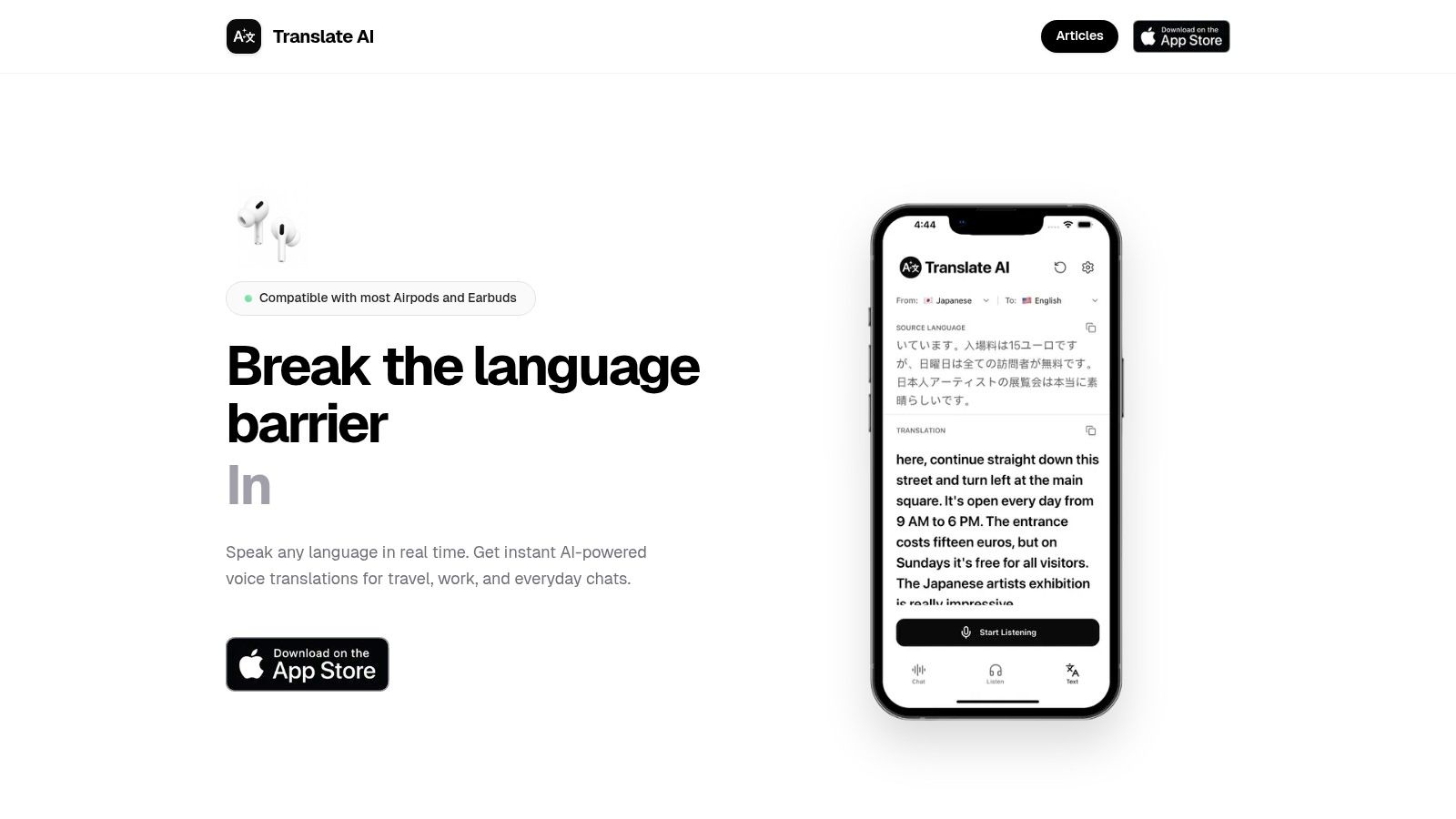
A live exchange gives you no second attempt, so the tool has to answer while the other person is still waiting.
Best for a live conversation. Translate AI turns a phone and most AirPods or other earbuds into a real-time voice translator. Nothing gets passed back and forth, and there is no specialist hardware to buy.
Setup is two steps. First, select your native language and your partner's language from the app's list. Second, tap the microphone button and speak naturally. The translation is shown and spoken immediately, and speaker mode keeps the chat hands-free.
Try it on a sentence you'd say. "Could you take me to the nearest pharmacy? I need medicine for my daughter tonight." In a taxi, the win isn't polished grammar. It's whether your partner hears clear Arabic fast enough to answer, and whether you hear the reply without breaking eye contact.
Where it fits and where it doesn't
Translate AI runs two-way dialogue across 80+ languages, including English, Spanish, French, German, Chinese, Japanese, Korean, Arabic and Hindi. You speak in your language and your partner hears it in theirs. The AI reads context, which keeps everyday phrasing natural; expect less from fast local idiom or a heavy dialect, where meaning and tone both get thinner.
Travel, work calls and daily chats are the fit. For the return direction, this guide to an Arabic to English voice translator covers the same problem in reverse: your partner speaks and you need the meaning while the conversation is still moving.
- Real-time two-way speech: you speak in your language and your partner hears it in theirs, with text and audio output.
- No dedicated device: works with most AirPods and earbuds, not only specialist translation hardware.
- Quick start: pick both languages, tap the microphone, speak.
The trade-offs are plain. Check the app listing for current pricing and any usage limits before you commit, and confirm your own earbuds pair and route audio properly before you lean on them in a conversation. Compatibility covers most earbuds, not every pair made.
I recommend it when the conversation itself is the task. Don't buy it as a document editor or a dictionary. Say names, prices and addresses out loud once before you trust it in a negotiation or at a clinic, because that rehearsal is where a bad number shows up cheaply instead of expensively.
2. Google Translate
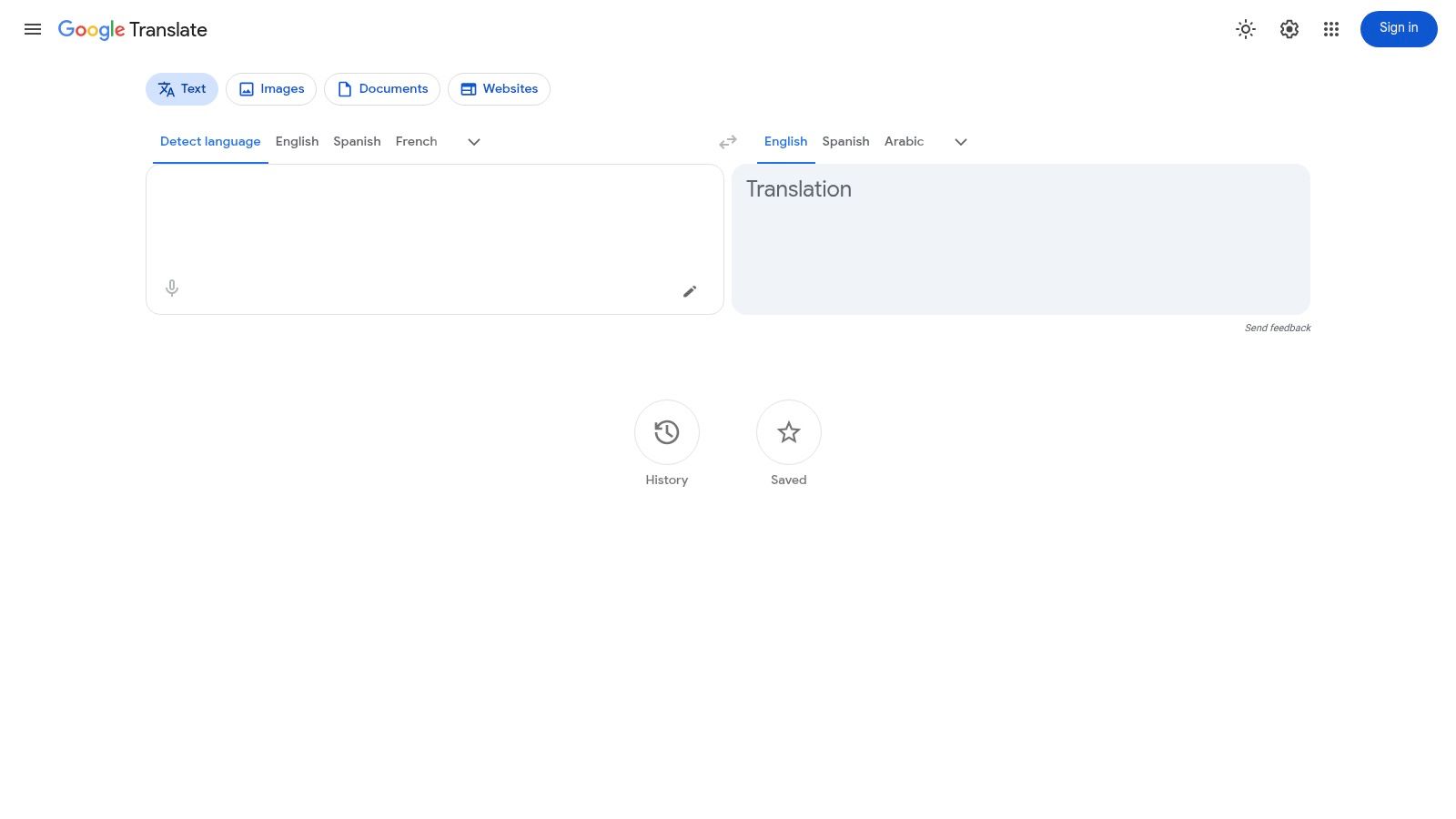
Best for a free, all-purpose starting point. Google Translate handles text, speech, images, documents, and websites in a browser or mobile app. That range makes it the tool most travelers already have.
Run the pharmacy sentence through it and you'll usually get understandable Modern Standard Arabic. A driver will likely get the point. It may still sound more formal than how he'd say it back to you, and idioms or polite softeners can come out flat.
The need for that fallback is structural. A UNESCO publication on languages online reported that Arabic represented approximately 1.1% of online content in 2021, while English accounted for more than 61.4%. You'll often find the information in English first, then need it in Arabic on the spot.
Practical strengths
- Flexible input: Type, speak, photograph a sign, or translate a file or webpage.
- Offline backup: Downloadable language packs cover some offline use, though support varies by mode.
- Saved phrases: History and favorites help you reuse hotel, station, and allergy phrases.
If you're choosing a phone setup before a trip, this overview of the best translation app for travel helps you compare the job, not just the feature list. My judgement is simple. Keep Google Translate installed as the free Swiss Army knife, but don't expect it to choose Egyptian, Gulf, or Levantine Arabic for you.
Practical rule: If the Arabic output has to be spoken to a person in front of you, play the audio instead of trying to read the script aloud yourself.
3. DeepL
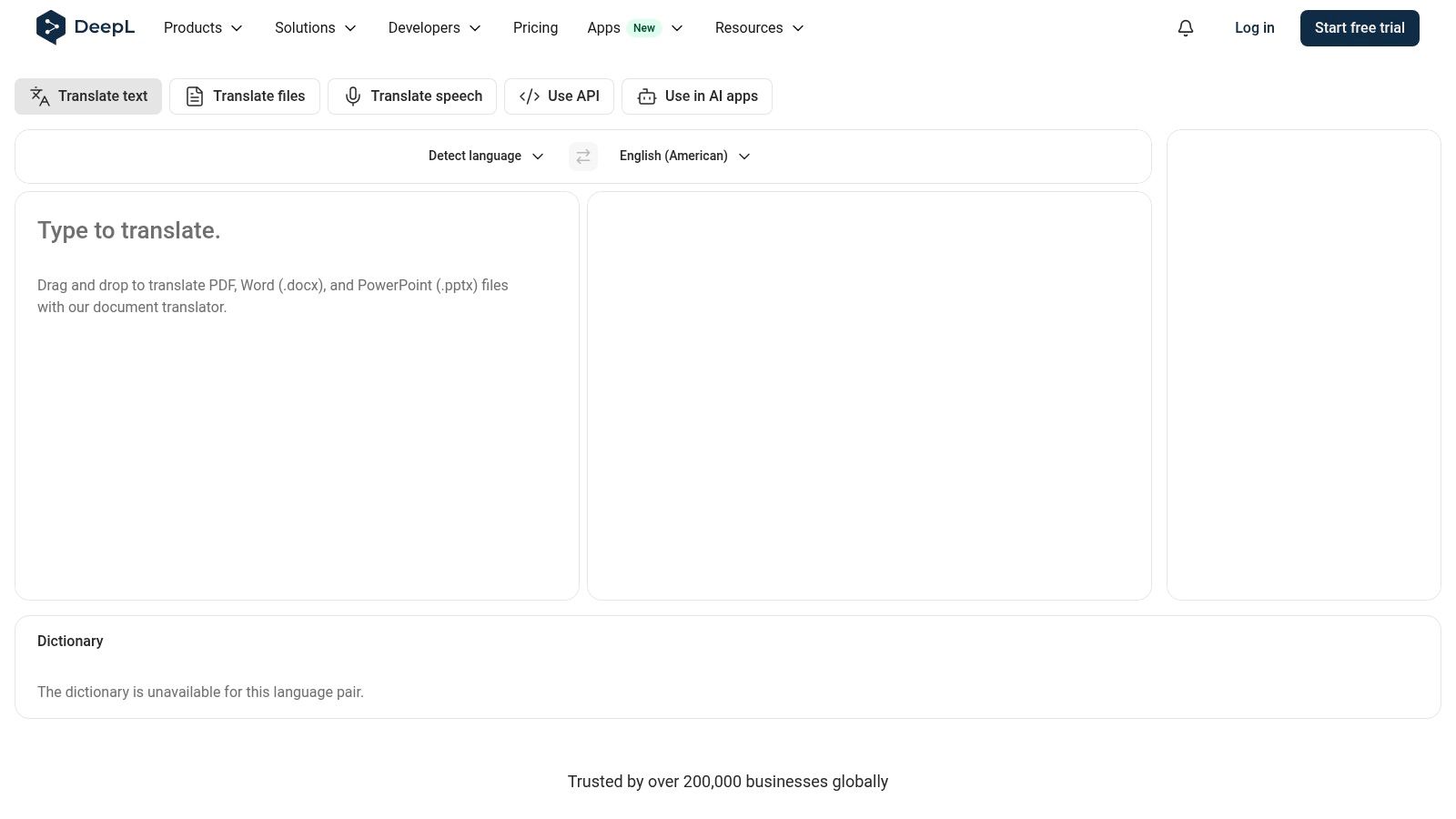
Best for formal written Arabic. DeepL offers English to Arabic text translation on the web, in apps, through browser extensions, and through an API. Its Arabic support is for Modern Standard Arabic, so judge it on emails, reports, and polished business text, not street conversation.
The World Bank report on Arabic language teaching and learning describes Arabic as a continuum from Classical Arabic and Modern Standard Arabic to many informal colloquial varieties, spoken by more than 467 million people across 60 countries. DeepL sits at the formal end of that continuum. That's a strength for a broad written audience and a limit for local speech.
Put the pharmacy sentence in DeepL and you should get a clean, correct written version. Show it on screen at a hotel desk and it works. Say it in a Cairo taxi and it may sound like a news bulletin.
- Formal register: Modern Standard Arabic suits documents, public information, and cross-border business writing.
- Several platforms: Web, mobile, desktop, and extension access fit an office workflow.
- Paid workflow options: Pro plans and the API can support document and organizational use.
Check document and feature support for Arabic before you build a process around it, and expect advanced features to sit behind a paid plan. If you want the background on how engines like this work, read what is neural machine translation. I recommend DeepL as your second draft tool for writing. I wouldn't make it your only voice in a live exchange.
4. Microsoft Translator
Best as a free backup engine. Microsoft Translator handles text, speech, and images in a browser and a mobile app without a subscription. Its value is the second opinion. One engine gives you an answer. Two engines show you where the sentence was ambiguous in the first place.
Run the same pharmacy request through Microsoft and a rival. When both keep "nearest," "medicine," "daughter," and "tonight" in the same places, the output is probably safe to use. When one drops "tonight" or swaps "nearest" for a different word, split the request into two shorter sentences before you speak.
Dialect is where that comparison earns its keep. A study on Egyptian Arabic translation in Scientific Reports notes that dialects lack a standardized writing system, so "water" can be written as ماء, مويه, or ميه, and dialect words may not carry the same meaning as their Modern Standard Arabic equivalents. No single literal output tells you which form the person in front of you uses.
What you gain and lose
- Three input types: Typed text, speech, and photo translation cover signs, menus, and short exchanges on the street.
- No-cost access: The consumer app and web tools are free, which makes this the easy app to keep installed as a cross-check.
Availability varies by language and platform, and nuance slips in any engine. I recommend it as the comparison app on your phone rather than your only tool. When two engines disagree on a drug name, an address, or a price, ask a person to confirm before you act.
5. Reverso Context
Best for checking how a phrase is really used. Reverso Context pairs English to Arabic lookup with example sentences from bilingual texts. You don't just get one answer. You see several ways real text has handled the same word.
That helps with the words a basic English to Arabic translator gets technically right and socially wrong. Search "tonight," "nearest," or "I need" and compare the examples. You'll spot whether a translation reads formal, casual, or odd before you say it to a pharmacist.
Learners feel this gap most. A 2024 study on Arabic translation difficulty in Cogent Arts and Humanities reports that students encountered more difficulty translating colloquial Arabic texts into English than translating MSA texts, partly because colloquial-Arabic and English dictionaries are scarcer than MSA-English resources. Example sentences partly fill that gap.
Use it before the conversation, not during it
- Bilingual examples: Compare possible translations and check idioms, expressions, and word choice.
- Learning tools: Vocabulary lists and the mobile app's voice and photo translation support study between trips.
- Free core access: You can do useful checking without paying, though some premium features require a subscription.
Examples don't guarantee that your full sentence is correct, and some examples include informal or sensitive language you wouldn't use with a client. I recommend Reverso Context the night before a meeting or market visit. Save five phrases in both a spoken form and a formal form, then use a faster voice tool when you're face to face.
6. iTranslate
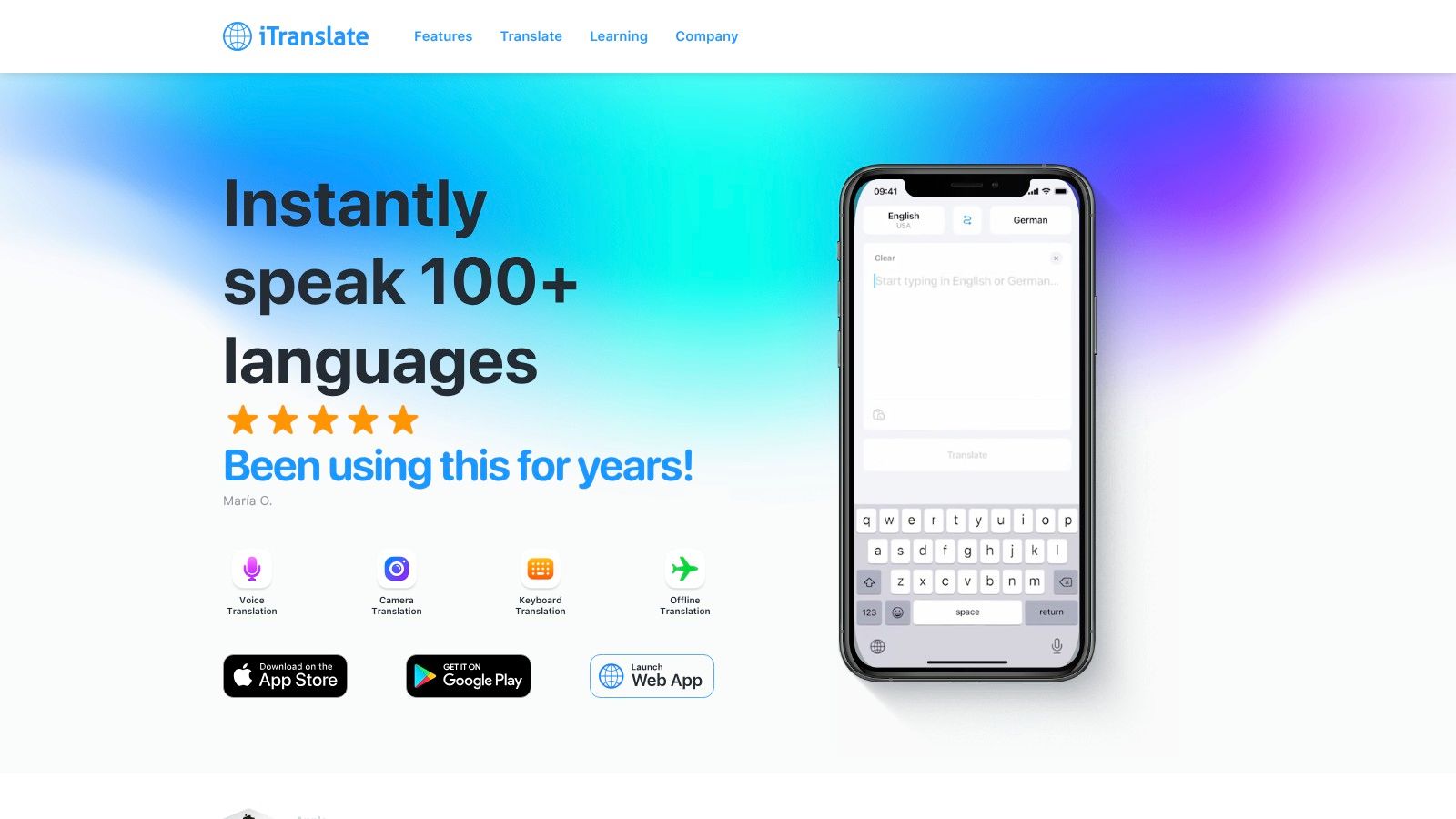
Midnight, the pharmacy shutters are down, and the only Arabic phrase you have is the one you saved yesterday. That is the situation iTranslate is built for: one paid app that bundles text and voice translation with camera translation, phrasebooks, favorites and offline options. Arabic is supported, but which features work offline depends on the language pair and the mode.
Best for travelers who want one bundle instead of five free apps. Run the pharmacy sentence through the paywall test. Can you speak it, play it back, save it, and use it again without a connection? If any of those steps requires Pro, find out at home, not outside a closed shop.
Dialect is the deeper limit. Research summarized in a 2025 ACL Anthology paper on low-resource Arabic translation found that in one human evaluation of MSA-to-dialect translation, more than 95% of Saudi Arabic outputs required correction, while Egyptian Arabic had the lowest correction rate among the tested varieties. One Arabic output per sentence does not close that gap for you.
- Camera translation: point it at signs and menus when you cannot type the script.
- Phrasebooks and favorites: keep medical, transport and hotel phrases one tap away.
- Voice mode: spoken exchanges work better than handing over a typed screen.
Many useful features sit behind Pro, offline voice covers fewer languages than offline text, and subscription prices vary by region and plan. Offline text is the part that matters in a basement restaurant or on a plane, so confirm the Arabic pack downloads before you leave.
Popularity with travelers says nothing about whether the Arabic it produces matches the dialect of the city you are standing in. I recommend iTranslate when you want a single travel bundle and will test the offline Arabic pack before departure.
7. Naver Papago
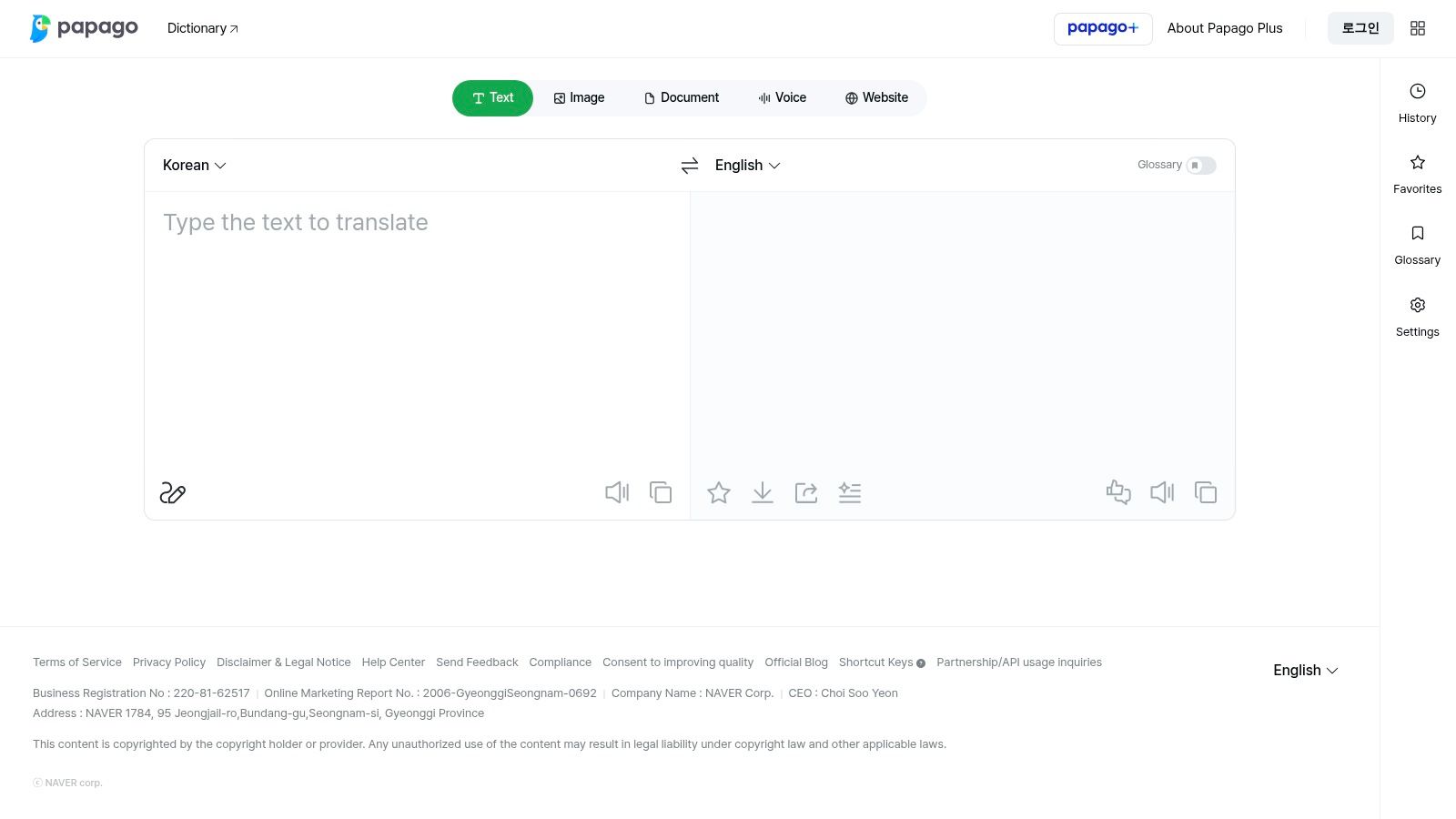
Best as a free comparison engine with speech. Naver Papago offers English to Arabic text translation plus voice and conversation translation on the web and in its consumer app. Its value is difference. A different engine exposes wording choices the first one hid.
Use it when a reply comes back in informal written Arabic. Drivers, hosts, and colleagues often type dialect in Latin letters and numbers, a format called Arabizi or Franco-Arabic. A standard translator may treat that as English, misread the numbers, or miss the slang entirely.
A 2025 ACL Anthology paper on Arabizi translation describes Arabizi translation as a growing need that's been comparatively under-studied across Arabic dialects, because it mixes regional dialect, English or French vocabulary, numerals for Arabic sounds, and inconsistent spelling. Don't trust one clean output from messy input. Run it through a second engine and ask the sender to confirm any place, time, or price.
Where Papago earns a place
- Another major engine: Comparing outputs helps you catch a dropped negative or a wrong time word.
- Voice and conversation tools: Speech features can handle everyday exchanges without typing Arabic script.
- Free access: The consumer app and web service don't add another subscription.
Arabic feature availability may differ across the app, the web service, and offline modes, and some offline features are limited to specific language packs. Language coverage is also narrower than larger rivals. I recommend Papago as a checker, not your sole lifeline. If Papago and your main app disagree on an Arabizi message, treat the meaning as unconfirmed.
If a chat message mixes Latin letters, numbers, and slang, translate it twice and confirm the names and numbers with the sender. A confident looking output can still have the wrong dialect.
8. Cambridge English-Arabic Translator
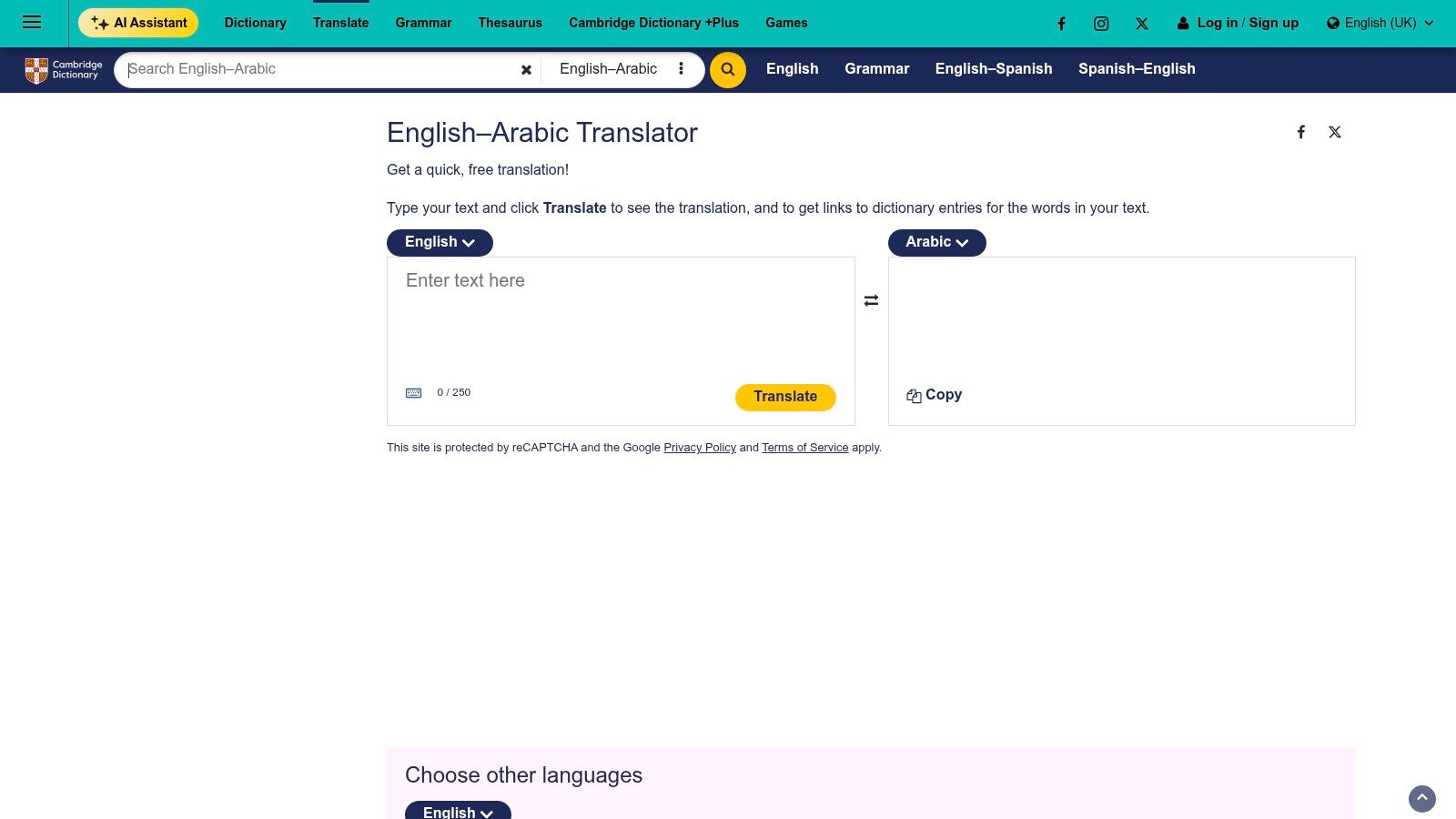
Best for learners who want to understand the answer. The Cambridge English-Arabic Translator pairs short-text translation with Cambridge dictionary entries, definitions, and examples. Click through from a translated word and you can see why it was chosen.
Break the pharmacy sentence into pieces here. Look up "nearest," "pharmacy," "medicine," and "tonight" one at a time. You'll build a small, reliable vocabulary you can recognize on signs and packaging, instead of memorizing one long sentence you can't adapt.
Built for reference, with clear limits
- Dictionary links: Entries clarify meaning, word choice, and usage behind a short translation.
- Vocabulary tools: Learner features help you save and revisit words between study sessions.
- Character limits: The Cambridge translator page allows up to 250 characters before sign-in, and a free account raises the stated allowance to 5,000 characters per day.
It isn't designed for long documents or live conversation, and free use is capped. That isn't a flaw if you use it for the right moment. I recommend Cambridge for study sessions and careful word checks at a desk. Don't open it when a driver is waiting for your answer.
Pair it with a voice app. Cambridge teaches you the words, and the voice app gets them spoken at conversation speed. That combination beats either tool alone for a learner who also has to function in a new city this week.
9. PONS
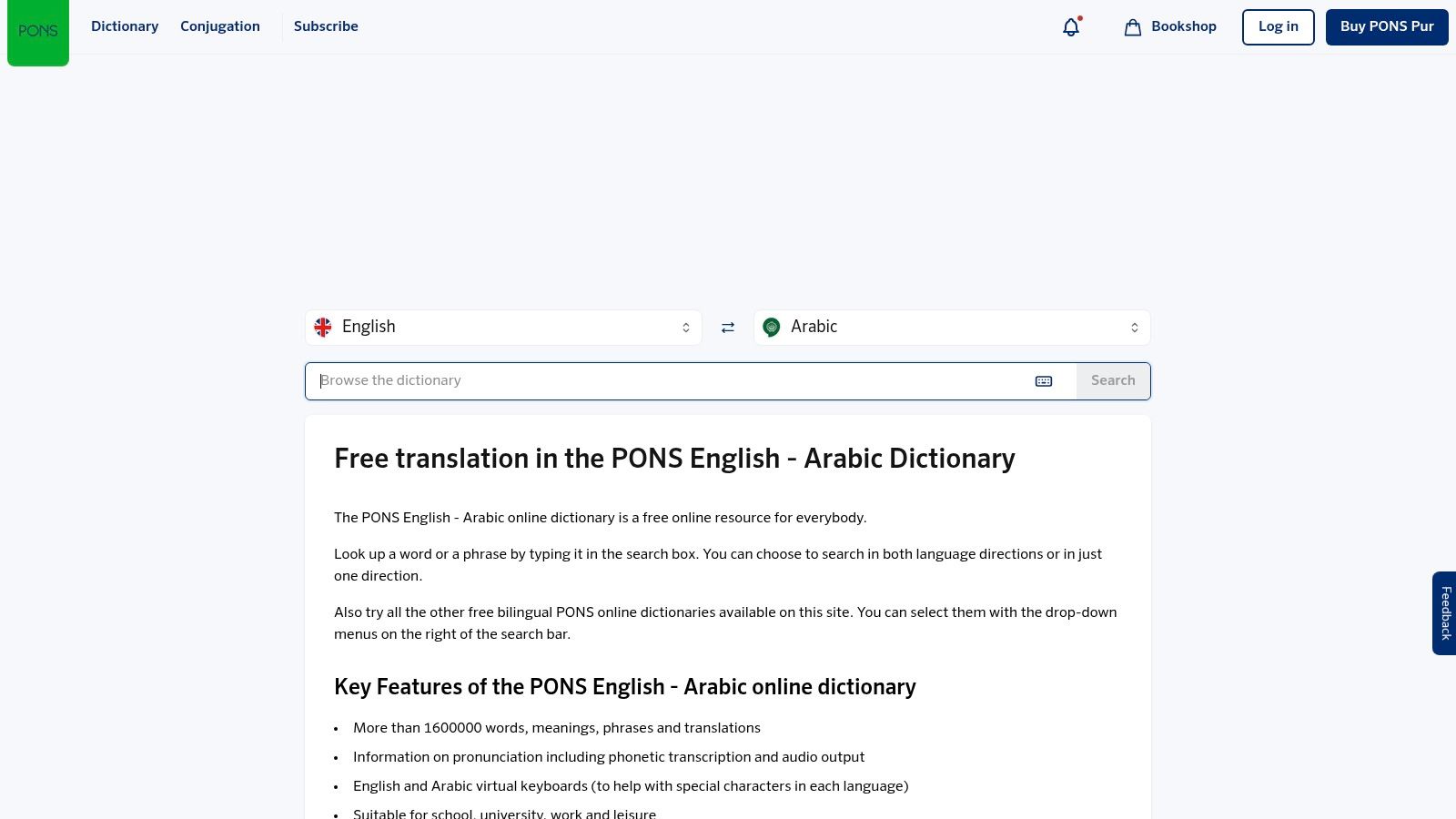
Best for vocabulary and pronunciation checks. PONS is a bidirectional English and Arabic dictionary and translation resource. It gives you dictionary entries, pronunciation guides, audio, and virtual keyboards for English and Arabic.
PONS answers a narrower question than a sentence translator. Not "translate my whole message," but "is this the right word for medicine, and how do I say it?" For a learner or an expat building everyday vocabulary, that narrower answer is often the more honest one.
Say a pharmacist gives you a word you don't know. Type or paste it into PONS, check the entry, and play the audio. You'll learn the word in a form you can reuse at the next shop, instead of depending on a full-sentence output you'll forget by morning.
- Word and phrase lookup: Check vocabulary in both directions rather than trusting one sentence result.
- Pronunciation support: Guides and audio help you say the word, not just read it.
- Free online access: The dictionary is available without paying for a conversation app.
PONS is more dictionary-oriented than a real-time conversation translator, it isn't the best fit for long documents, and app features may differ from the website. The mobile app also describes voice and photo input, so check what your version offers. I recommend PONS as the reference half of a two-tool setup. Use it to verify single high-risk words like allergies, ingredients, and medicine names.
10. SYSTRAN Translate
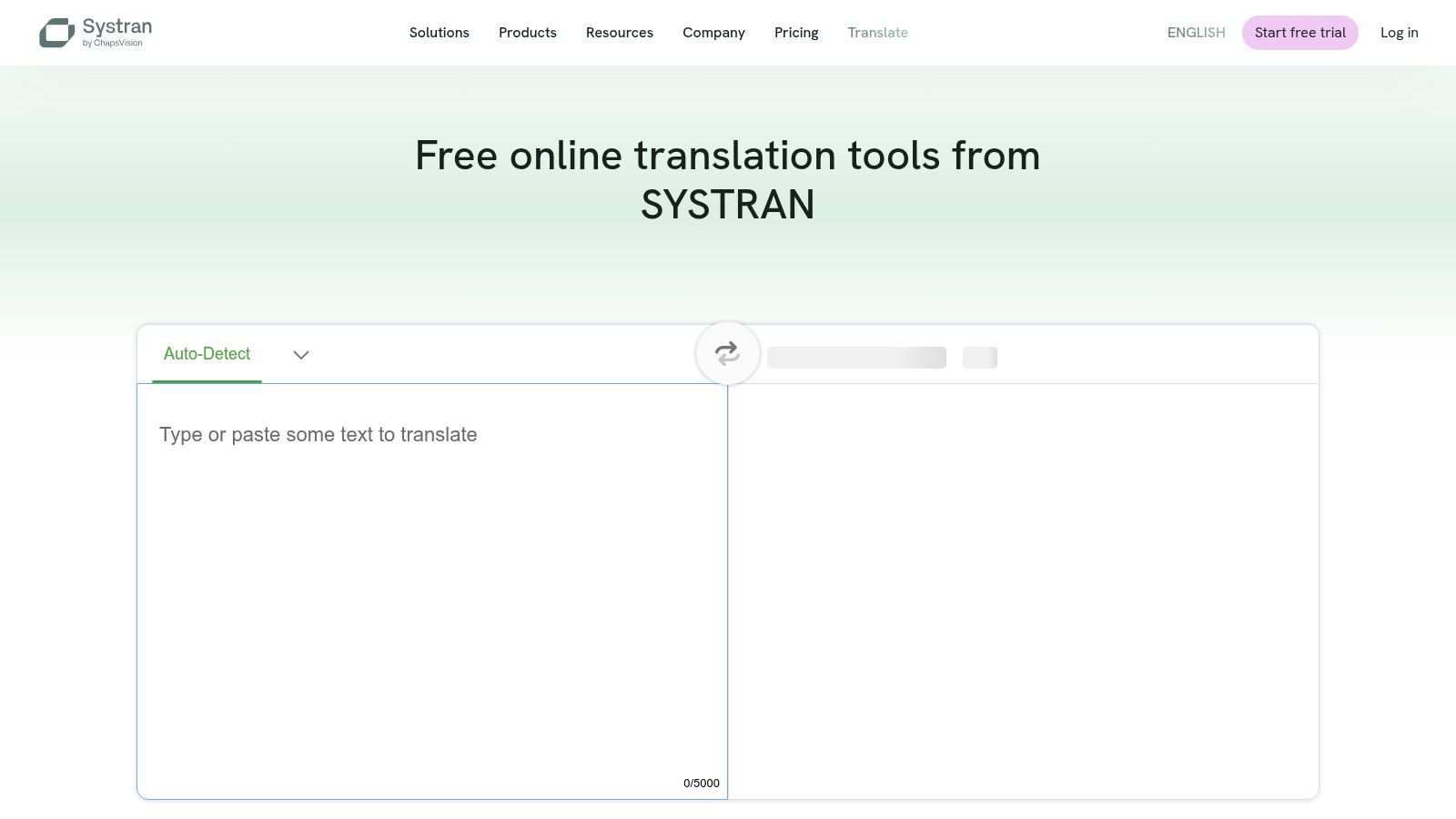
Best for business files and specialist terminology checks. SYSTRAN Translate offers free online text and file tools plus paid professional options. Paid products include document translation and domain-specific settings for legal or IT material. For a one-off email, the free text box is enough. For a batch of supplier contracts, the paid document route makes more sense.
Benchmark scores are easy to misread. A WMT26 English to Arabic benchmark paper reported that on a held-out MultiUN test set of 1,500 segments, a fine-tuned mBART-50 system scored COMET 0.8742 with BLEU 39.84, beating M2M100 on COMET at 0.8730 despite its higher BLEU of 42.04. Word overlap and actual meaning can point in opposite directions. A high BLEU score can reward the wrong word choice in Arabic, especially where one English term has several accepted translations. Test your own contract clause, product term, or support script and have a bilingual reviewer check the result.
Fit for professional workflows
- Free and paid tiers: Use the free text tools for a first pass, then move to paid document features when the volume justifies it.
- Domain options: Specialist settings may handle legal, IT, or other technical material better than a general app.
- Comparison point: A second rendering of a technical term can expose a risky choice in your main engine.
The trade-off is clear. SYSTRAN is built for reviewed documents, not live two-way chat, so a conversation in Gulf or Egyptian Arabic calls for a different tool. Free text input is limited, paid features and language pairs depend on the plan, and the free tools run online. SYSTRAN documentation lists English to Arabic dictionary support, so check the current interface before you commit a workflow. I recommend SYSTRAN for document drafts you will review. Consequential machine translation should never go to a client, a court, or a regulator unchecked.
English to Arabic Translator Tools at a Glance
Sort by the job in front of you, then check the three limits that change the choice: free access, offline availability, and paid document or voice features.
| Item | Best For | Free Access | Offline Use | Paid Options |
|---|---|---|---|---|
| Translate AI | Real-time two-way conversations for travel, work, and everyday chats | Check current plans in the app before you commit | Confirm offline options in the app before travel | Check current plans in the app before you commit |
| Google Translate | Everyday, travel, and multimodal translation | Free | Downloadable language packs for some use | Check account options before committing |
| DeepL | Formal writing in Modern Standard Arabic | Free translation | Confirm offline options before travel | Pro plans for documents and professional workflows |
| Microsoft Translator | Free text, speech, and image translation | Free | Confirm offline options before travel | Check account options before committing |
| Reverso Context | Translation examples, idioms, and vocabulary | Free core access | Confirm offline options before travel | Subscription for some premium features |
| iTranslate | Travel translation with voice and camera tools | Free to download | Available for supported languages and modes | Pro adds many features |
| Naver Papago | Everyday translation and comparing translation engines | Free | Limited to some language packs and features | Check current plans before committing |
| Cambridge English–Arabic Translator | Learner-focused short translations and dictionary reference | Free, with character limits | Confirm offline options before travel | Check account options before committing |
| PONS | English–Arabic vocabulary and pronunciation lookup | Free online dictionary | Confirm offline options before travel | Check current plans before committing |
| SYSTRAN Translate | Business and specialized translation workflows | Free text and file tools | Confirm offline options before travel | Professional plans include document and domain-specific tools |
Matching Each Tool to Your Real Situation
A quick question at a hotel desk calls for voice translation. A contract calls for careful review. Choose by the task, not by a feature list.
For live travel and meetings, start with a voice-first tool. Translate AI supports two-way voice translation in over 80 languages, with translations shown and spoken immediately after you speak. Speaker mode supports hands-free chats, and the app is compatible with most AirPods and earbuds. Google Translate and iTranslate are other options for travel. For formal writing, DeepL or SYSTRAN may suit a draft that needs revision. For vocabulary study, Cambridge, PONS, and Reverso Context offer dictionary and example-based reference.
Pair a conversation tool with a reference tool. Use voice translation to keep an exchange moving, then check an uncertain word in a dictionary. This avoids asking one app to handle both a live conversation and detailed language study.
Arabic variety affects the result. Modern Standard Arabic is used in formal writing and many public texts. Everyday speech may use Egyptian, Levantine, Gulf, or Maghrebi Arabic. Check which variety your listener uses, and test important phrases with a speaker of that variety when possible.
Confirm details that could affect health, money, or legal obligations. Read medicine names, allergies, dates, prices, and addresses back to the other person. For formal legal paperwork, use a qualified human translator. Guidance on Arabic document preparation for court submissions does not replace specialist translation. Short sentences and plain wording can also make everyday exchanges easier to follow.
Offline access and paywalls may narrow your options. Before leaving, download any language pack you plan to use and check whether saved phrases or voice features work without a connection. If a feature such as offline voice, camera translation, or file uploads requires payment, decide whether you need it before your trip or work session.
When Hands-Free Two-Way Speech Is the Priority
For a live exchange, consider Translate AI. Read more at the Translate AI website. It gives instant voice translations in over 80 languages, translating both ways so each person can speak in their own language. Choose your language and your partner's, tap the microphone, and speak naturally. The translation appears and is spoken immediately. Speaker mode supports hands-free chats, and the app works with most AirPods and earbuds.
Check how it handles the details in your own conversation. Ask about a medicine, confirm an address, or open a work discussion. Listen for whether names, numbers, and times come through clearly, and check that your partner understands the translated message.
Choose the tool that fits the exchange, and confirm details where errors matter. An English to Arabic translator is most useful when its limits match the task.