

10 Best Free Translation App Picks for Real Conversations
People often open a free translation app at the worst moment. The taxi driver is already talking. The menu has no English and no signal. A client call stalls on one unclear sentence. This guide tests ten free options against those situations, flags what sits behind a paywall, and shows which app fits which job.
A peer-reviewed ACM study of 3,105 U.S. travelers found that 54% considered communicating in the local language at least moderately important, and informal conversation was the most important and frequent use case. Scores such as BLEU and word-error rate can still look fine while the live exchange fails on latency, missed turns, and awkward timing.
I don't rank these apps by language count. A two-person chat at a market stall, a meeting with a remote partner, and a menu with no signal are different jobs. Offline packs, retired conversation features, and narrow language lists change the result more than a screenshot does. Download languages before you travel, and run one spoken exchange at home before you trust it at a counter.
For habits that sit next to any app, Madeira Remote's guide to language barriers is a solid companion. Then match the tool to the moment you're in.
1. Translate AI
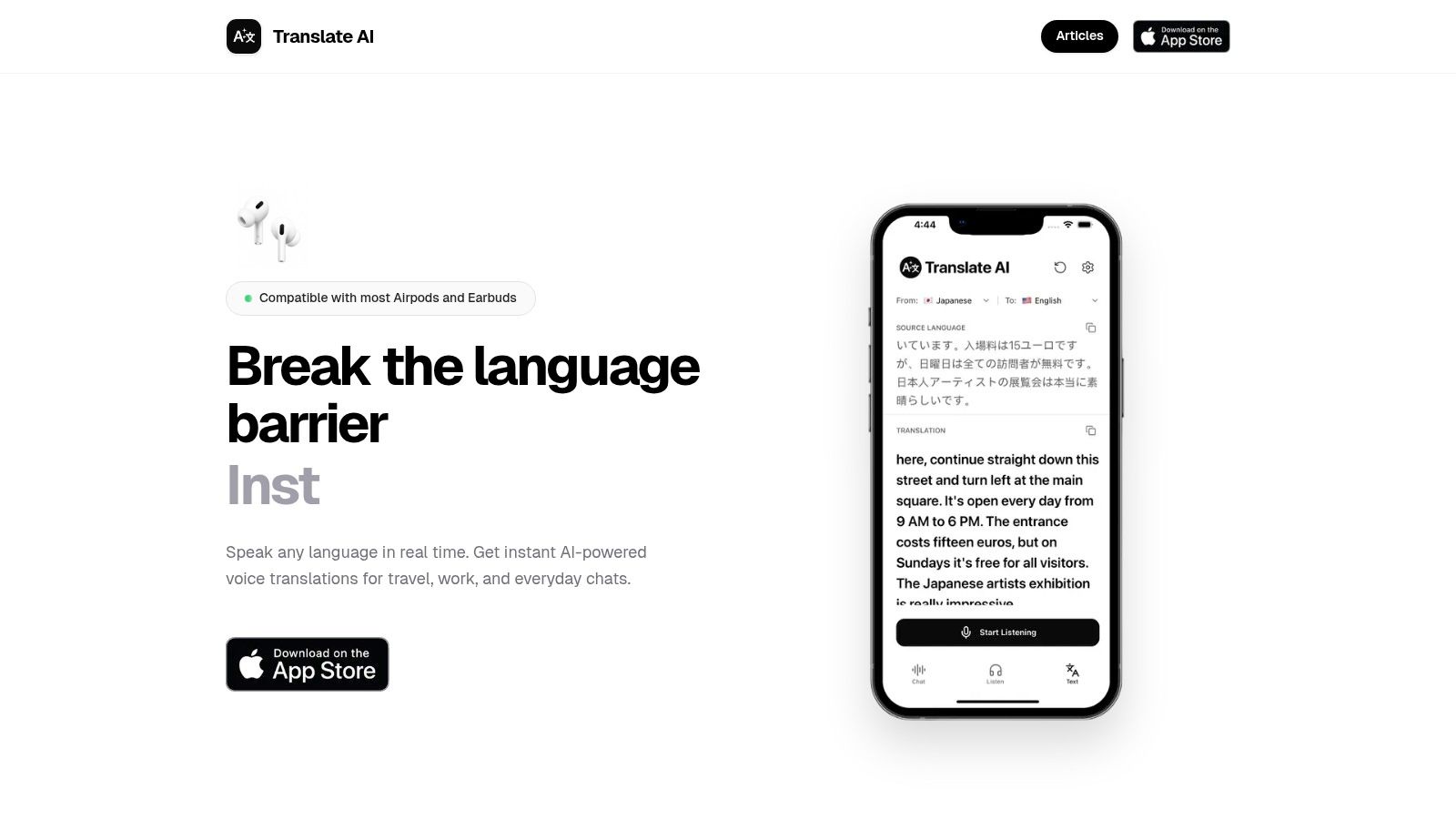
Translate AI is our live-voice option for two people standing in the same place. A normal phone plus most AirPods or earbuds can carry both sides of the talk, so a dedicated translator gadget stays optional. Thousands of users have already joined.
The market stall is the useful test. Select your language and your partner's language, tap the microphone, then speak naturally. Your partner hears it in their language while you see the line on screen. Speaker mode leaves the phone on the table, which beats passing one handset back and forth while someone makes change.
What the setup actually asks of you
- Choose both languages first. Pick your native language and your partner's language from the app list before anyone starts.
- Tap and speak naturally. Short, clear turns beat a two-minute monologue at a noisy counter.
- Read it and hear it. The translation is shown and spoken right after you speak, and speaker mode is there for hands-free chats.
It gives instant voice translations in over 80 languages, including English, Spanish, French, German, Chinese, Japanese, Korean, Arabic, and Hindi. The AI uses context so a line sounds closer to speech than to a glossary. Travel, work, and everyday chats are the jobs it is built for.
Practical limit: Earbud support covers most models, some pairs will still fail, and two people talking at once will break the turn.
I would use this when both people are in the same place and want spoken replies. For a contract, a prescription, or an emergency instruction, confirm the wording with a person who is accountable for it.
2. Google Translate
The menu with no signal is where this app still wins, if you downloaded the packs on hotel wifi the night before.
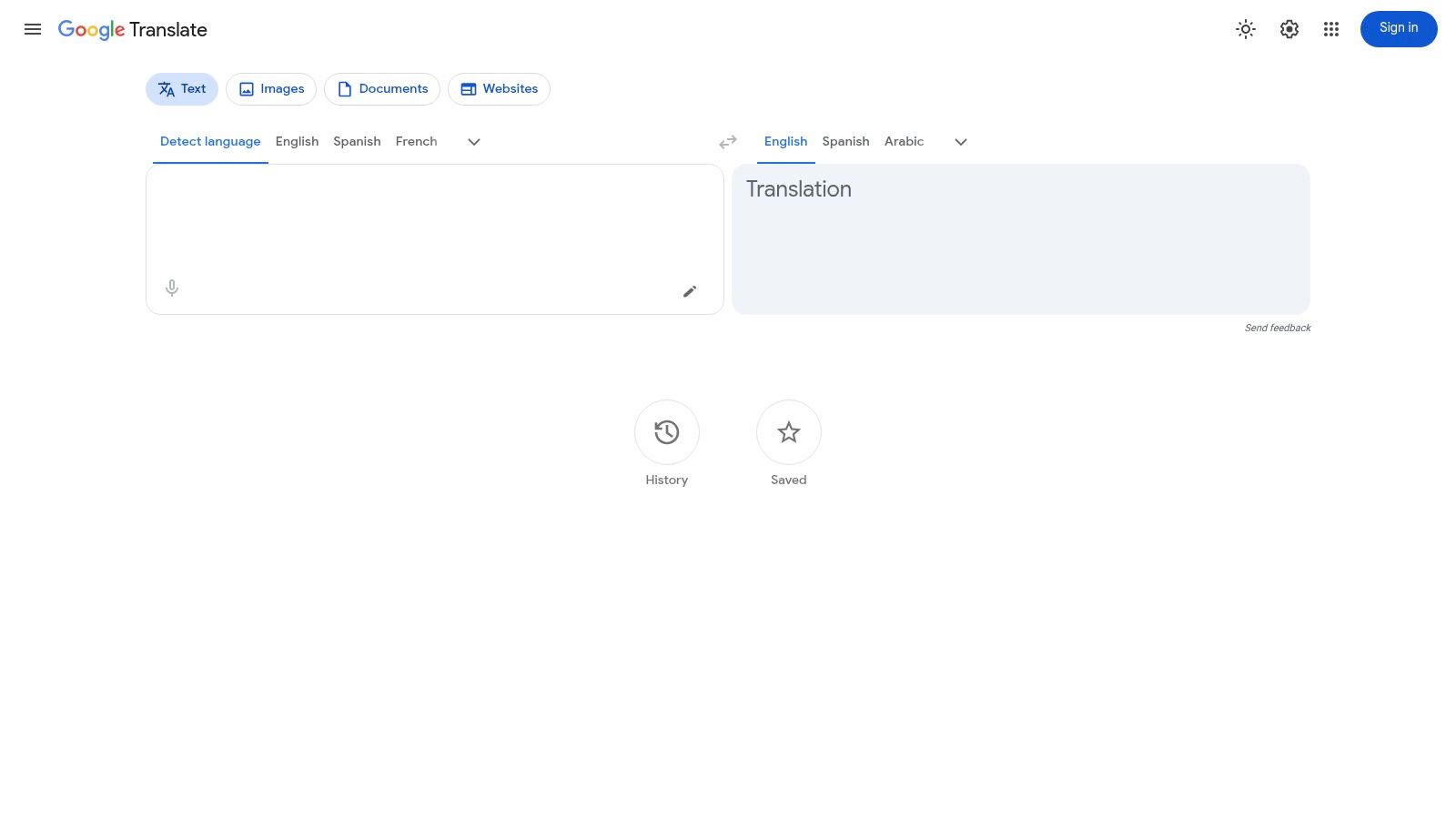
Google's 20-year Translate note says the Android app had surpassed 1 billion Google Play installs by March 2021, when it supported 109 languages. That reach is why it is the default on so many trips. It is not why every conversation succeeds.
Text, speech, camera, photo, handwriting, conversation mode, saved phrases, and playback are free on iOS and Android. Offline packs help with signs. Conversation mode can handle a slow taxi exchange when the network holds and the accent is clear.
It fails when you expect every language to behave the same. Some tools need a connection or only exist for selected languages, and a loud street ruins recognition. For a typed pair, start with a free English to Vietnamese translation, then try speech only after you've heard the playback. Google Translate is the wide net, not the specialist for every dialect.
3. Apple Translate
Two people across a small table is the layout this app was drawn for. Conversation view can detect which side is speaking, and downloaded languages run on the device. That helps in a cafe with no signal, and it keeps the short exchange off a server.
You don't pay a subscription for the core translator. Favorites hold the lines you repeat at hotels and stations. Newer hands-free tricks depend on compatible Apple hardware and software, so an older iPhone may only give you the basic back-and-forth.
The hard limit is the set. It supports fewer languages than the widest free apps, and it doesn't exist on Android. If your partner's phone is the only one with battery, this app is useless. I still like it for short, face-to-face turns when one iPhone is enough. For a wider travel shortlist, see this guide to translation apps for travel. The built-in app lives at Apple Translate.
4. Microsoft Translator
A remote partner meeting runs on different constraints than a market stall. You need speech both sides can follow, plus a written line you can paste into chat when the audio drops.
Booking.com for Business reported that in 2024, 17% of U.S. and 19% of U.K. business travelers used AI real-time translation tools. That is still a minority. People try speech once on a call, then fall back to typed text when a name or a number gets garbled.
Core text, speech, and image tools are free on iOS and Android. Language coverage is wide, but feature availability changes by language, so check the list in the app before travel.
The multi-device conversation feature has been retired. Don't plan a three-phone group chat around it.
For a one-to-one call, speak first, then confirm the key term in the chat box on Microsoft Translator. If several phones need one hosted room, choose a different setup.
5. DeepL Translate
A live stall is not where this app earns its install. The test comes after the call, when you owe a follow-up email in a language you only half-speak and a stiff, literal draft can cost you the reply.
Slator's summary of the Translation Technology Insights 2025 report noted that in 2025, 60% of nearly 2,000 surveyed translation and localization professionals reported using machine translation.
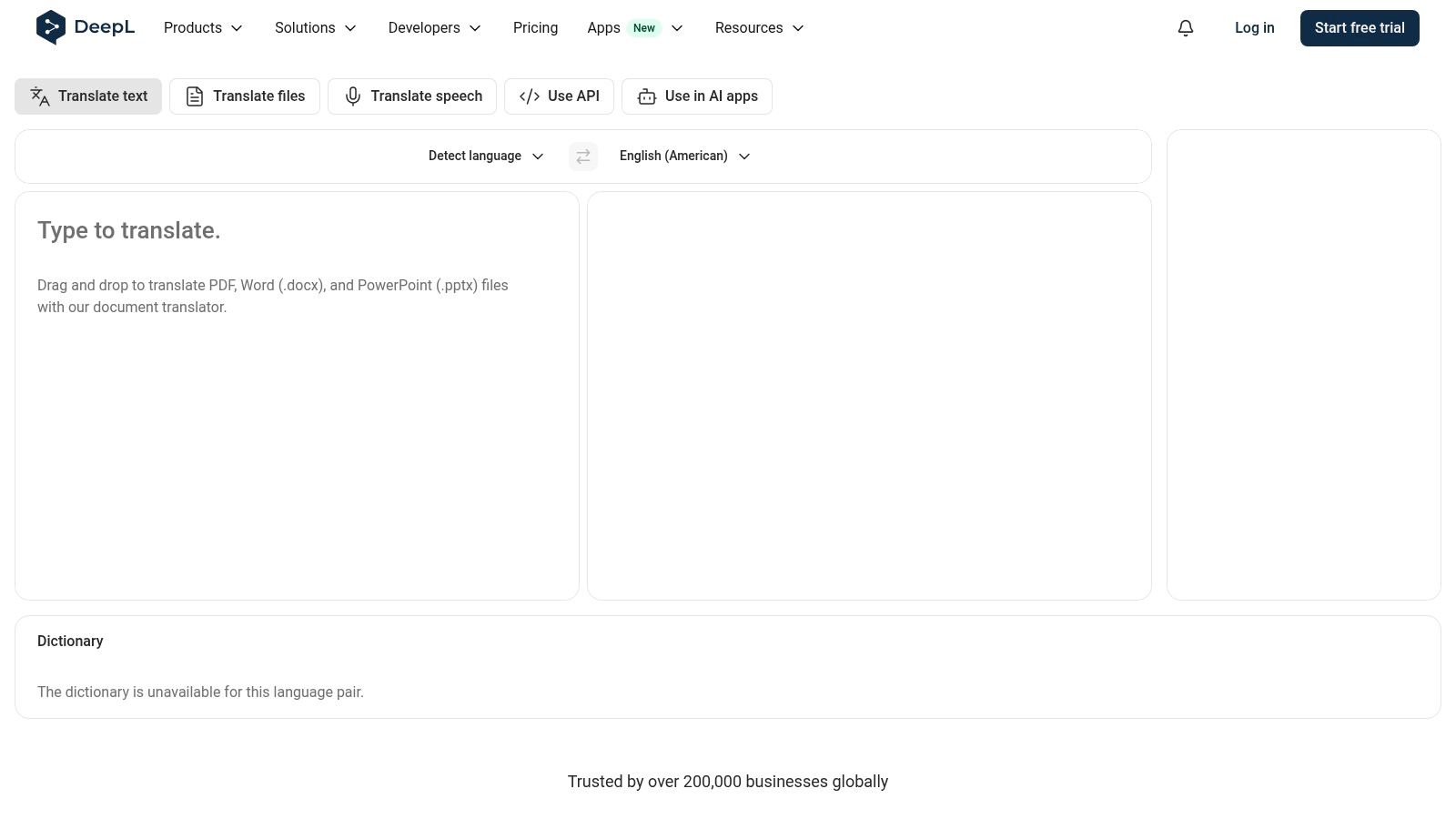
The free iOS and Android apps cover text, speech-to-text dictation, camera and photo translation, playback, and some document translation. The free plan carries monthly character and file limits, so a long contract hits the ceiling fast. Dictation is one person talking into the phone. It is not a continuous, hands-free dialogue, so skip it for a two-way exchange.
Photo mode handles a printed menu you can frame flat. Language and feature availability still vary by platform. If you want to know why the output reads smoother than most free tools, read what neural machine translation is. Start from DeepL Translate when the email has to sound like a person wrote it.
6. Naver Papago
A Seoul food stall at 10 p.m. is the right test: you speak, the vendor answers in fast Korean, and the phone has to keep the turn-taking clean. Papago's conversation mode puts translated text and audio on one screen for two people.
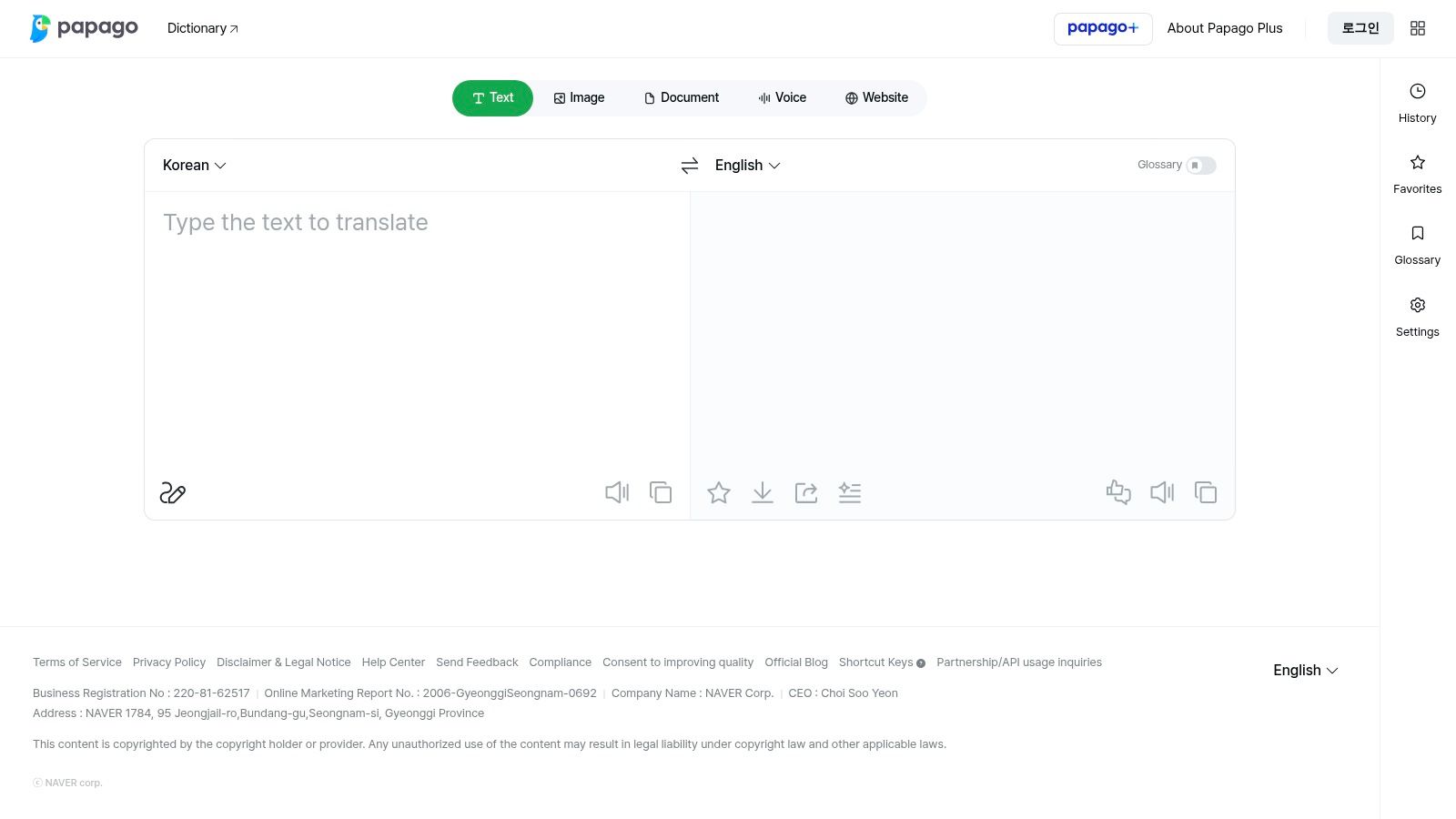
The current U.S. listing covers a much smaller set of languages than Google's, so confirm your pair before you travel. Korean, Japanese, and Chinese trips are the clear use case. Text, voice, and image tools are free, with favorites and history for repeat phrases.
Camera translation helps on signboards and paper menus. Conversation features stay in the mobile app, and speech support changes by language, so a language name on the list still leaves your accent untested.
A 2025 paper on speech translation reports only 4 to 5 hours of transcribed data per dialect for dialectal Hindi, alongside accent mismatch and heavy code-mixing, and finds high-resource languages performing substantially better. Treat Naver Papago as a sharp regional tool with clear borders.
7. Yandex Translate
Download the dictionaries before the flight. That's the whole trick.
Online text covers a wide range of languages, with photo translation, voice input, dialog mode, and playback. Offline, the app falls back to text only, and only for pairs you saved ahead of time. Voice input and dialog mode need a live connection. If the pair isn't in the download, the app won't invent it.
That split decides where it works. Hotel wifi covers the menu photo and a two-person dialog. A basement stall with no signal leaves you typing questions and reading the replies. Typed backup, not a conversation partner.
A 2025 traveler survey found that 35% of respondents worried about losing digital travel tools if their phone died or was lost, and 16% cited security concerns. An offline dictionary doesn't fix a dead battery. It does survive airplane mode. Carry a power bank anyway.
The apps are free on iOS and Android. I treat this as the offline text fallback and switch back to a voice app once wifi returns. Open Yandex Translate and save the pairs you'll need, not the whole catalog.
8. iTranslate
The phrasebook is the honest free win. Offline mode and camera translation sit in the paid set, so a free download can still fail you at the menu with no signal.
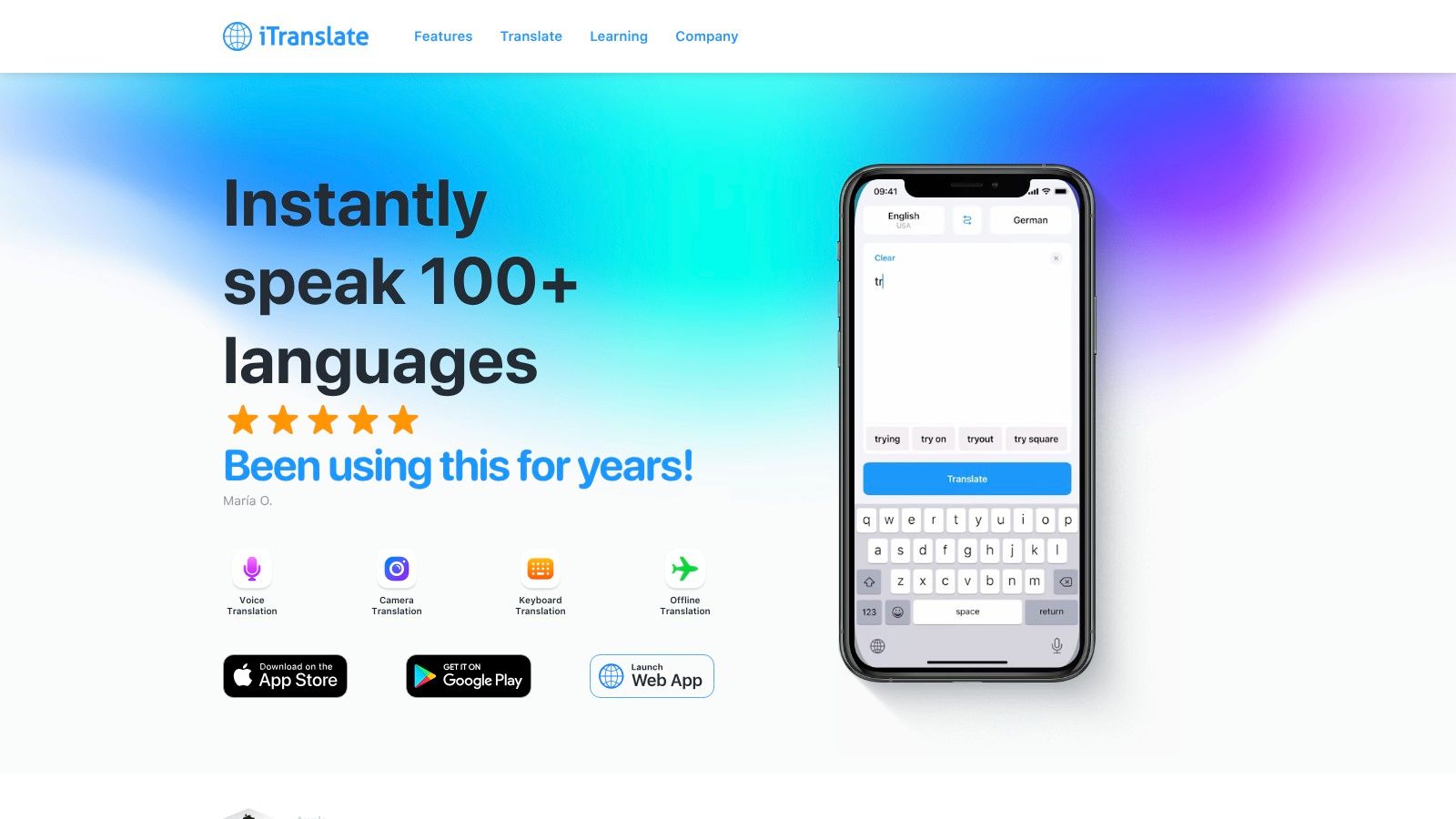
The app listing puts text across more than 100 languages, with voice translation, voice conversations, dialects, and dictionary-style meanings. Predefined and custom phrases help at hotels and stations. iOS and Android both have it.
- Common phrases: Hotel, taxi, and food lines you saved can still be opened when you don't want to pay.
- Typed translation online: Fine in a lobby with wifi.
- Offline mode and the camera: Those are Pro features, and the upgrade prompts aren't subtle.
If the trip depends on airplane mode and menu photos, budget for Pro or pick an app whose offline packs are free. iTranslate is useful once you know which switches are locked.
9. Translate Now
This one is an iPhone travel kit more than a single conversation button. Text, voice, and photo translation sit with a phrasebook, hands-free voice, offline mode, an Apple Watch app, a translation extension, and Siri shortcuts.
It is free to download. That doesn't mean every switch is free. In-app purchases or a subscription may cover part of the set, so open the purchase screen before you leave and see what you can use on the plane.
The listing people usually find is for Apple platforms. Don't assume an Android build without checking. I'd pick it if you already live in the Watch and Siri habit and you want one app for a saved phrase plus a photo of a sign. I wouldn't make it the only app for a two-language business call until you've confirmed the available tools. Translate Now rewards a five-minute check, not a last-second install.
10. Reverso Context
Learners don't fail in the taxi because they lack a word list. They fail because the phrase sounds wrong out loud.
Reverso shows example sentences so you can see how a word is used. Pronunciation, conjugation, history, and saved vocabulary sit beside that. Saved lists and search history can open offline. There's a mobile app and browser tools, with a free core and optional purchases.
The European Commission's 2024 language survey reported that 59% of Europeans can hold a conversation in at least one language other than their mother tongue, rising to 79% among people aged 15 to 24. Only 28% said they could converse in more than one foreign language.
That's a desk tool, not a stall tool. It supports fewer languages than Google Translate, and it is a poor fit for rapid face-to-face voice. Some advanced features need a subscription. Lock the phrase here, then say it yourself without the screen. Reverso Context is for choosing the natural line, not for keeping a vendor waiting.
How the 10 Free Translation Apps Compare on Use Case, Offline Use, Conversation Mode, and Languages
Judge each app by the moment it has to survive: a stall keeper answering fast, a client call with weak audio, a menu when data drops. Translate AI is the promoted pick here, so keep it to the same test: live two-way voice with earbuds, not a promise to replace every offline pack.
| Item | Best For | Offline Use | Conversation Mode | Language Coverage |
|---|---|---|---|---|
| Translate AI | Two-way voice translation with earbuds | Built for connected live voice; use an offline-pack app when signal drops | Real-time, two-way voice; speaker mode available | 80+ languages |
| Google Translate | General-purpose and travel translation | Downloadable language packs | Conversation mode and near-real-time transcription for supported languages | 109 languages |
| Apple Translate | Simple translation on Apple devices | Downloaded languages for on-device translation | Two-person conversation view with speaker-language detection | Smaller set than Google Translate |
| Microsoft Translator | Free text, speech, and image translation | Plan on a connection for live speech | In-app conversation and live speech tools; multi-device mode retired | 100+ languages; features vary |
| DeepL Translate | Written communication and wording checks | Plan on a connection | Dictation, not continuous hands-free conversation | Focused set; check your pair first |
| Naver Papago | Trips involving languages in its supported set | Plan on a connection away from wifi | Two-person conversation mode in the mobile app | 14 languages |
| Yandex Translate | Offline typed translation as a travel backup | Downloadable dictionaries for offline text translation | Dialog mode requires internet | Online text translation across 100 languages |
| iTranslate | Travel phrases and dialect tools | Offline mode is a paid feature | Voice conversations | 100+ languages for text |
| Translate Now | Travel tools and Apple ecosystem integration | Offline mode available; some features may be paid | Hands-free voice translation | Check the in-app list for your pair |
| Reverso Context | Language learning and natural phrasing | Saved lists and search history | Weak for rapid face-to-face voice | Fewer languages than Google Translate |
Read the offline column first if your trip includes dead zones. Read conversation mode first if another person must answer back. Language coverage matters last, because a big count fails fast when the pair you need is missing.
Matching Your Free App to the Situation You Actually Face
Pick the app for the moment you hit most often. A market stall wants fast two-way speech. A remote meeting wants a line you can paste when audio fails. A menu with no signal wants an offline pack, or a camera you already accessed.
UN Tourism estimated 1.4 billion international tourist arrivals in 2024, representing 99% of the pre-pandemic level. That scale is a lot of short exchanges at counters, stations, and pharmacies. None of those moments reward an app you open for the first time in the queue.
Download language packs on wifi before you fly. Run one two-way test at home. Speak a hotel request, let the other person answer, and check whether you caught the price and the time without repeating the whole turn.
Language class isn't the same as fluency on the day you need it. Eurostat reported that in 2022, 90% of working-age adults in the EU with a high level of education knew at least one foreign language, but only 28% of working-age adults who knew a foreign language described themselves as proficient in their best-known one. Use the app for the immediate sentence, then confirm important terms in writing. Contracts, immigration, and healthcare still need a qualified person.
Learners who want a city built around classes can look at visiting Norwich for English language study. An app can drill a five-minute exchange. It can't replace a week of talking.
Live face-to-face chats with earbuds
For live, in-person turns, Translate AI on the App Store is the setup I'd hand someone who already owns ordinary earbuds.
- Choose your language and your partner's.
- Tap the microphone.
- Speak, then read or hear the reply, and turn on speaker mode if you want both hands free.
That is the job. Don't stretch it into legal or medical sign-off.
Translate AI is built for the moment a free translation app has to carry a real conversation, with instant two-way voice across more than 80 languages for travel, work, and everyday chats. You select the languages, tap the microphone, and hear a reply that follows the context instead of a word-for-word stall. Visit Translate AI and try one spoken exchange before your next trip or cross-border call.