

Best Earbuds Translator Devices in 2025 for Travel: 7 Real-Time Picks
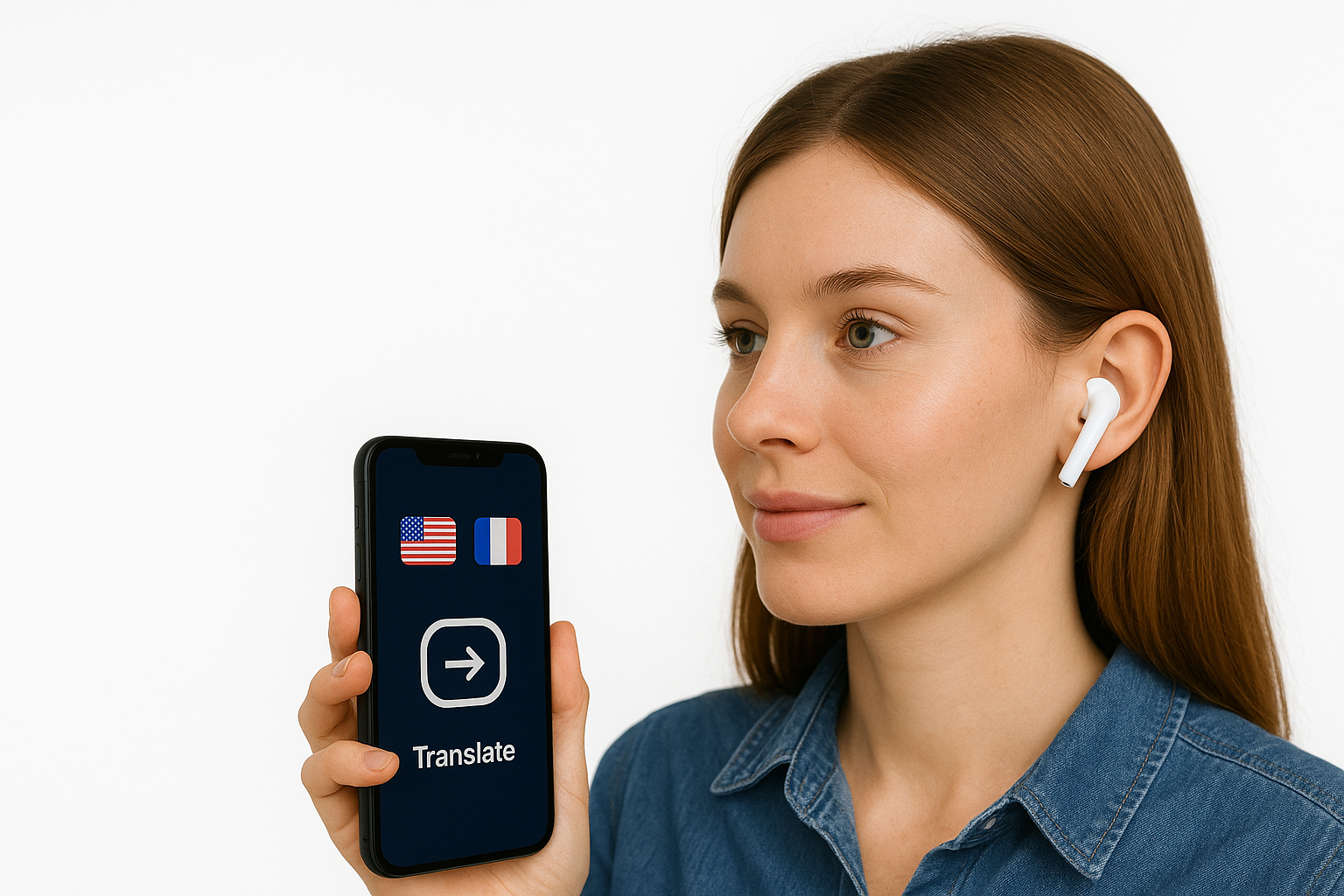
Imagine landing in Tokyo, Mexico City, or Paris and being able to follow conversations in real time, right in your ear. That’s what today’s translator earbuds (or “earbuds translator” devices, as people often call them) are trying to do.
In this guide, we’ll walk through 7 of the best options in 2025, including big names like Timekettle, Miniso, and Apple’s AirPods Pro 3 / AirPods 4 (ANC). By the end, you’ll know:
-
Which models are best for frequent travelers
-
What the trade-offs are (price, accuracy, offline use)
-
Which “AI translator earbuds” to avoid
Quick Overview: Best Translator Earbuds in 2025
| Model / Family | Best For | Approx. Price* |
|---|---|---|
| Timekettle W4 / W4 Pro | Serious travelers & business meetings | $280–$450 [Timekettle] |
| Soundcore AeroFit 2 (AI Translation) | All‑day wear + music + translation | ~$130 [soundcore] |
| Vasco Translator E1 | Professional use, multi‑language talks | ~$380–$400 [WIRED] |
| Apple AirPods Pro 3 / AirPods 4 ANC | iPhone users who want built‑in live translation | From $249 [The Verge] |
| Samsung Galaxy Buds3 / Buds3 FE | Samsung users using Galaxy AI Interpreter | ~$130–$200 [Samsung es] |
| Kentfaith Translator Earbuds | Budget real‑time translation | $80–$135 [Kent Faith] |
| Miniso “AI Translation” Earbuds | Super‑cheap earbuds (translation via app only) | $20–$60 [Walmart.com] |
| Translation Apps compatible with any earbuds (Translate AI) | Real-time translation without investing $200–$400 in hardware | 16.99/month [Translate AI] |
*Prices are approximate and change with sales and region.
What Is a Translator Earbud (Earbuds Translator)?
Translator earbuds are wireless earphones with built‑in access to an AI translation engine. In plain language: you talk, the system recognizes your speech, translates it, and plays the translated audio in the other person’s language (or yours)(soundcore).
Most work like this:
-
You speak into the earbuds’ mics.
-
Your phone (or the earbuds) turns your speech into text.
-
An AI translation system converts it to another language.
-
A voice in the other language is played back in somebody’s ear or on your phone speaker.
Some models do more of this on the earbuds themselves, others lean heavily on your phone and an app.
How to Choose a Translator Earbud for Travel
Before we dive into specific models, here’s what matters most if you travel a lot:
-
Translation speed
Look for low “lag” (under 1 second). Top devices like Timekettle and Vasco quote ~0.2–0.5 seconds in ideal conditions[Notebookcheck]. -
Accuracy in real situations
Marketing pages always promise 98% accuracy. In reality, look for reviews that mention noisy cafés, different accents, and fast speech, not just quiet office demos[The Verge]. -
Languages you actually need
Most list 40–150 languages. Check your real routes (e.g., Spanish, Japanese, Thai) and make sure those are supported online and offline. -
Offline translation
Crucial if you don’t want to rely on roaming or sketchy café Wi‑Fi. Devices like Timekettle W4 Pro, Vasco E1, and AirPods Live Translation (after downloading language packs) offer some offline capability[Notebookcheck]. -
Comfort & hygiene
If you plan to share one earbud with strangers, over‑ear or open‑ear designs (like Vasco E1 or some Timekettle modes) are more hygienic and less intrusive inside the ear canal[voice-translator-review.com]. -
Ecosystem
-
iPhone user? AirPods translation is incredibly smooth[Apple Support].
-
Samsung user? Galaxy Buds3 + Galaxy AI Interpreter feels native[Samsung es].
-
-
Budget
-
Under $100: expect compromises; usually app‑based translation, more lag.
-
$100–$250: good “everyday earbuds + translation” combos.
-
$250+: dedicated translation hardware built for travelers.
-
Now let’s break down the best options.
1. Timekettle W4 / W4 Pro - Best Overall for Heavy Travelers
If you’ve seen “sci‑fi” translator earbuds on TikTok, there’s a good chance they were Timekettle. The new W4 AI Interpreter Earbuds are built specifically for real‑time translation, not just music[The Verge].
Why travelers like them
-
Real‑time conversation feels natural
Timekettle’s W4 system can translate 42–43 languages and around 95 accents, with claimed accuracy up to 98% in ideal conditions[The Verge]. -
Designed for noisy places
W4 combines regular mics with a bone‑conduction sensor that picks up vibrations from your skull. This helps it understand you even in loud markets or train stations[The Verge]. -
Sharing is built‑in
The case splits in two so you can give one half (and one earbud) to the person you’re talking with. It’s literally made for two‑way conversations[The Verge].
Online vs offline
-
Online mode: full language list, best accuracy and speed.
-
Offline mode (especially W4 Pro): a smaller set of key language pairs (e.g., English–Spanish, English–Chinese) you can download for travel[Notebookcheck].
Battery & price
-
Around 4 hours of continuous translation or 10+ with the case[The Verge].
-
W4 list price: $349, often discounted to around $280. W4 Pro: about $449 list, often ~$360 on sale[Timekettle].
Best for you if…
You travel a lot for work or long trips, and you want a serious “Babel fish” you can rely on more than just a casual gadget.
2. Soundcore AeroFit 2 - Everyday Earbuds With Translation Superpowers
Soundcore’s AeroFit 2 look like sporty, open‑ear headphones — but they hide a surprisingly good AI translation mode[soundcore].
What makes them different
-
Open‑ear comfort
They rest just outside your ear canal with adjustable hooks. Ideal if you want to stay aware of traffic and people around you while exploring a new city[soundcore]. -
Built‑in AI translation
Paired with the Soundcore app, AeroFit 2 can translate in around 100 languages in real time. You can even wake the translator with a voice command (“Hi Anka”) instead of fiddling with your phone[soundcore]. -
Good everyday sound
Big 20×11.5 mm drivers, LDAC support, and 10–42 hours battery life (earbuds + case) mean you can use them as your main music and call earbuds too[soundcore].
Limitations
-
No true offline translation you’ll need your phone online for most language pairs[soundcore].
-
Translation lag is a bit longer than Timekettle or Vasco, and it struggles more in very noisy places (bars, stations)[soundcore].
Price
- About $129.99 at most retailers[soundcore].
Best for you if…
You want one pair of earbuds that does almost everything: music, calls, and “good enough” translation for cafes, taxis, and casual chats.
3. Vasco Translator E1 - Best for Professional & Group Conversations
If you care more about communication than music, the Vasco Translator E1 is one of the most serious translator earbuds on the market[Vasco Electronics].
Why it stands out
-
Hands‑free, automatic translation
You and your conversation partner each wear an earbud. The E1 listens, detects who’s speaking, and automatically translates into the other language. You don’t have to tap anything for each sentence[Vasco Electronics]. -
Supports 50+ languages directly in your ear, increasing to 64 if you pair it with the Vasco V4 standalone translator[Vasco Electronics].
-
Great for group situations
Up to 10 E1 pairs can link for multi‑language group chats — think international meetings, workshops, or tours[WIRED].
Accuracy & speed
Reviews mention around 0.5 seconds of delay and very good accuracy if people speak clearly and don’t talk over each other[WIRED].
Price
- Usually around $380–$400 for the E1 alone[WIRED].
Best for you if…
You’re a frequent traveler, tour guide, or business person who needs reliable translation for serious conversations, and you’re okay carrying a device that’s only for translation, not music.
4. Apple AirPods Pro 3 & AirPods 4 (ANC) - Live Translation Built Into Your Earbuds
If you’re deep in the Apple world, you may already own your translator earbuds without realizing it.
With iOS 26 and Apple Intelligence, Apple added Live Translation for[Apple Support]:
-
AirPods Pro 3
-
AirPods Pro 2
-
AirPods 4 (ANC model)
Paired with an iPhone 15 Pro or later, your AirPods can:
-
Listen to someone speaking another language
-
Translate in real time and whisper the translation into your ear
-
Speak your reply out loud in their language via your iPhone, or show it in text in the Translate app[Apple Support].
How it works in real life
-
You put your AirPods in, open the Translate app on your iPhone, tap Live, pick both languages, and hit Start.
-
You hear translations directly in your ear; your phone shows a transcript and can play your answer for the other person[Apple Support].
-
Languages can be downloaded so most of the processing happens on your iPhone, privately and offline once the models are installed[Apple Support].
Independent testers found the experience surprisingly smooth and practical for real‑world chats, especially for major languages like English, Spanish, French, and German[Boostlingo].
Catches
-
You must have:
-
AirPods Pro 3, AirPods Pro 2, or AirPods 4 (ANC)
-
iPhone 15 Pro or later
-
iOS 26 with Apple Intelligence turned on[Apple Support].
-
-
In the EU, Live Translation is temporarily unavailable because of local regulations (Digital Markets Act), even though the language list is full of European languages[TechRadar].
Price
- AirPods Pro 3 launched at $249. AirPods 4 with ANC are in a similar price range[The Verge].
Best for you if…
You’re an iPhone user who wants translation without buying a separate gadget. For many travelers, this is the most convenient “earbuds translator” setup available in 2025.
5. Samsung Galaxy Buds3 / Buds3 FE - Real-Time Translation for Galaxy Users
On the Android side, Samsung’s Galaxy Buds3 family leans heavily into translation through Galaxy AI.
With a recent Galaxy phone and the Interpreter app, you can[Samsung es]:
-
Listen to in‑person conversations or lectures and
-
Receive real‑time translations in your Buds3 / Buds3 Pro / Buds3 FE
-
See a transcript and translation on your phone at the same time
There are two main modes:
-
Listening mode: One‑way translation (e.g., you listening to a tour guide).
-
Conversation mode: Two‑way translation for back‑and‑forth chats[Samsung es].
Recent models like the Galaxy Buds3 FE explicitly highlight real‑time translation as a flagship feature, and they sit in a mid‑range price bracket[The Times of India].
Pros
-
Tight integration if you already use a Galaxy phone.
-
Real‑time translation that feels very similar to what Apple does with AirPods, but through Galaxy AI and Google services[Samsung es].
Cons
-
No built‑in offline translator in the buds; the phone does the heavy lifting and usually needs an internet connection[Samsung es].
-
Works best with Samsung hardware; with other Android phones you lose some magic.
Price
- Galaxy Buds3 FE launched around ₹12,999 in India (roughly $150). Other Buds3 models sit higher depending on region[The Times of India].
Best for you if…
You’re a Samsung user who wants AirPods‑style live translation but on Android, without adding another device to your pocket.
6. Kentfaith Translator Earbuds - Surprisingly Capable on a Budget
If you’ve browsed Amazon for “AI translation earbuds,” you’ve probably seen Kentfaith pop up.
Their real‑time translation earbuds promise[Kent Faith]:
-
Around 150 languages & accents
-
Two‑way real‑time translation
-
Open‑ear or in‑ear designs
-
Some models with limited offline modes
Real‑world reviews are actually pretty decent considering the price. Users mention[Kent Faith]:
-
Good sound quality for calls and media
-
Translation that’s “about 90% accurate” in quiet environments
-
Useful for travel and work, as long as you speak clearly and don’t expect perfection
Price
- Many Kentfaith models sit between $80 and $135, with regular discounts[Kent Faith].
What you trade off
-
App and UI aren’t as polished as Timekettle or Apple/Samsung.
-
In noisy places, lag and accuracy can be noticeably worse.
-
Offline support exists on some models but covers fewer languages and can feel clunky[Kent Faith].
Best for you if…
You want a cheap but functional translator earbud for occasional use, and you’re okay with a bit of lag and rough edges.
7. Miniso “AI Translation” Earbuds - Fun Gadget, Not a Serious Translator
Miniso’s various “AI real‑time translation earbuds” (like the X15 Pro and X28) are everywhere online, often advertised as 150‑language real‑time translators for ridiculous prices like $20–$60[Walmart.com].
Here’s the honest version:
-
The earbuds themselves are just basic Bluetooth earbuds.
-
Translation happens through a separate app on your phone (often Wooask or a Miniso‑branded clone)[Reddit].
-
Without your phone nearby and online, they don’t “translate 150 languages in real time” in any special way.
One Reddit user summed up many of these cheap translation buds nicely: they “don’t actually translate, they’re just regular cheap earbuds that come with a code to a translation app you could download anyway.”[Reddit]
To be fair, Miniso earbuds themselves are often:
-
Comfortable
-
Decent for music and videos
-
Extremely cheap (sometimes under $30 on sale)[Reddit].
So if you treat them as budget earbuds with a gimmicky translation app, you won’t be disappointed. Just don’t expect a full‑on Star Trek universal translator.
Best for you if…
You just want a very cheap pair of earbuds and you’re curious about translation apps; but you don’t mind doing most of the work on your phone.
8. Bonus: Translate AI - Turn Any Earbuds Into Translator Earbuds
If you don’t want to buy special hardware at all, you can also turn any earbuds or AirPods into “translator earbuds” just by using an app, in this case, Translate AI: Live Translator.
Instead of packing another device, you install the app on your phone, put on whatever earbuds you already own, and you’re ready to go.
What Translate AI Does
Translate AI is a real-time voice translator app:
-
You pick your language and your partner’s language.
-
You speak into your phone.
-
The app instantly speaks the translation out loud in the other language and shows it on screen.
-
Your partner replies in their language and the app translates it back for you.
You can listen to everything through:
-
Your earbuds or AirPods (any brand)
-
Your phone’s speaker if you’re comfortable sharing audio
-
A mix of both (you in earbuds, them listening to the phone)
It supports 80+ languages, including English, Spanish, French, German, Chinese, Japanese, Korean, Arabic, Hindi, Russian, Italian, Portuguese and many more, so it covers most common travel and business routes.
Where Translate AI Shines Compared to Hardware
1. No special earbuds needed
You don’t have to buy Timekettle, AirPods Pro, Galaxy Buds, or anything else if you don’t want to. Translate AI works with whatever you already use, cheap wired earbuds, your favorite ANC headphones, or premium AirPods.
2. Lower upfront cost
Dedicated translator earbuds can easily cost $200–$400+. With Translate AI, you just pay the app subscription (from $16.99/month) and reuse your existing hardware. That’s ideal if you travel a few times a year and don’t want another device in your bag.
3. Fast translations on the go
Because it’s powered by modern AI on top of a data connection, translations are very quick, fast enough for natural back and forth conversation. It works great with eSIMs and local data plans, which most travelers are using anyway.
4. Simple two-way mode
Translate AI is built around two-way conversations. You don’t need to figure out which earbud goes to whom or which mode to tap, you just press, talk, hand over the phone (or use speaker mode), and keep chatting.
Trade-Offs to Be Aware Of
To keep things honest, here are the main limitations versus dedicated translator earbuds:
- Needs an internet connection
Translate AI relies on a data connection for its translations. That’s usually fine with an eSIM or local SIM, but if you’re often offline (remote hiking, long train tunnels, etc.), a hardware translator with offline language packs might suit you better.
- Phone in hand vs. fully hands-free
You’ll usually be holding or placing your phone between you and the other person. It’s still very convenient, but it’s not as “invisible” as, say, two people wearing specialized translator earbuds and talking like normal.
- Subscription instead of one-off purchase
Access to real-time voice and text translation, full language catalog, and two-way mode requires an active subscription.
Who Translate AI Is Perfect For
Translate AI is a great fit if:
-
You already own earbuds or headphones you love
-
You want to try real-time translation without investing $200–$400 in hardware
-
You usually have mobile data via SIM or eSIM when you travel
-
You like the idea of a “personal interpreter in your pocket” that can move with you from iPhone to new earbuds, to tablet, etc.
If that sounds like you, installing Translate AI before your next trip gives you a powerful translator in minutes — no shipping, no extra devices, just download, subscribe, and start talking to the world.
Watch Out for “Scammy” Translation Earbuds
A quick warning, because this comes up a lot:
-
Many “AI translation earbuds” under $50 are rebranded generic earbuds that rely on the same few apps.
-
People on forums and Reddit repeatedly report that these:
-
Work only when the phone app is open
-
Add subscription fees after a trial
-
If an ad claims 144 languages translated offline in real time for $19.99, be skeptical. That’s not how the current tech works.
Final Thoughts (And What to Do Next)
Which is better for travel: Timekettle, AirPods, or Galaxy Buds?
Quick cheat sheet:
-
Timekettle W4 / W4 Pro
- Best if you want a dedicated travel translator, often offline, and don’t mind carrying one more device.
-
AirPods Pro 3 / AirPods 4 ANC
- Best if you’re already an iPhone user with a recent device and want translation built into earbuds you’d buy anyway.
-
Galaxy Buds3 family
- Best if you’re in the Samsung ecosystem and like what Galaxy AI is doing across your phone, camera, and earbuds.
-
Translate AI
- Best if you want to try real-time translation without investing $200–$400 in hardware.
All four work. Which feels best really comes down to which phone you use and how important offline translation and sharing earbuds are for you.
Translator earbuds in 2025 are no longer a gimmick. Whether you choose Timekettle, Soundcore, Vasco, Apple AirPods Pro 3 / AirPods 4 ANC, Samsung Galaxy Buds3, Kentfaith, or even an App such as Translate AI, you can:
-
Understand more of what people say to you
-
Join conversations instead of just nodding and smiling
-
Travel with a lot more confidence
If you’re still unsure, here’s a simple way to decide:
-
On a tight budget? Start with Kentfaith or try Translate AI with the earbuds you already own.
-
Apple or Samsung power user? Test Live Translation / Interpreter with your AirPods or Galaxy Buds.
-
Constant traveler or business user? Go straight for a dedicated device like Timekettle W4 or Vasco E1. Or even better, pair any earbuds with a reliable data connection (eSIM or local SIM) and an active Translate AI subscription for a lightweight, flexible setup.
If this helped you, bookmark it for your next trip or share it with a friend who’s always worried about language barriers. And if you want to try Translate AI, you can download it from the App Store and try it out for free.